Photo editing for business prepares images for a specific commercial use, such as a product catalogue, website, campaign or presentation. The most useful edits improve clarity and consistency while preserving an accurate view of the subject. Start with the publishing requirements rather than a list of effects.
Where photo editing for business helps
A consistent product catalogue is easier to review when images use similar crops, backgrounds and lighting treatment. A campaign may need several sizes from the same master image. A photographer may need support with detailed cleanup while keeping control of the overall finish.
These are production benefits, not a promise of more revenue. Image quality is one part of a customer experience that also depends on the offer, price, information and buying process. Evaluate editing against a clear visual brief and your own business measurements.
Choose the right work for each image
Background removal isolates a subject. Retouching removes selected distractions and refines presentation. Colour correction adjusts an unwanted cast or helps match a reference. Cropping and resizing prepare an image for its destination. Shadow work can ground an isolated product in a layout.
These tasks are related but are not interchangeable. A clipping path does not automatically include product retouching, and a clean white background does not guarantee that a file meets every marketplace requirement. List the required deliverables explicitly.
Keep the image truthful
Preserve the shape, colour, branding and details that matter to a customer. Distinguish dust from the shoot from marks on a used product. Do not remove a feature just because it complicates the image. Where colour accuracy matters, provide an approved reference and inspect a sample.
For people, agree the level of retouching and obtain the permissions needed for the intended use. For confidential products, agree file handling and publication restrictions before sending the originals.
Prepare an efficient brief
- Describe the audience and destination of the images.
- Supply representative originals and an approved visual reference.
- List the quantity, deadline and delivery stages.
- Specify dimensions, formats, backgrounds and naming rules.
- Mark important details that must remain unchanged.
Approve a representative sample before a large batch. Include difficult examples so that the quote and workflow reflect the real work. Keep one approved version of the brief and record changes to avoid contradictory instructions.
Review the set as well as individual files
At detail size, inspect edges, texture and local corrections. At normal viewing size, check the crop, colour and consistency across the set. An image can look good alone but feel out of place beside the rest of the catalogue.
Open the exported files and confirm that transparency, dimensions and filenames are correct. Send revision feedback with filenames and marked examples. Keep an editable master when future changes form part of the agreement.
Build a workflow that can be repeated
Retain approved samples, delivery checklists and naming conventions for later batches. Review new product categories separately rather than assuming that every item needs identical treatment. This makes it easier to plan cost and production time as the workload changes.
ABN Clipping House supports photographers, ecommerce teams and agencies with product image editing services. Explore our portfolio and project case studies, then send your editing brief for a scope and quote based on the files you need.
Photo editing for business questions
Should one finish be used for every campaign?
Keep a consistent brand reference, but adapt the crop and output to the destination. A catalogue listing and a promotional banner may need different layouts. Retain a larger approved master so those exports do not require rebuilding the edit.
What makes an outsourcing test useful?
Send representative files, not only the easiest image. Include a clear brief and compare the sample with the original. Assess communication, accuracy and file preparation as well as the visible finish.
See a real product-image example
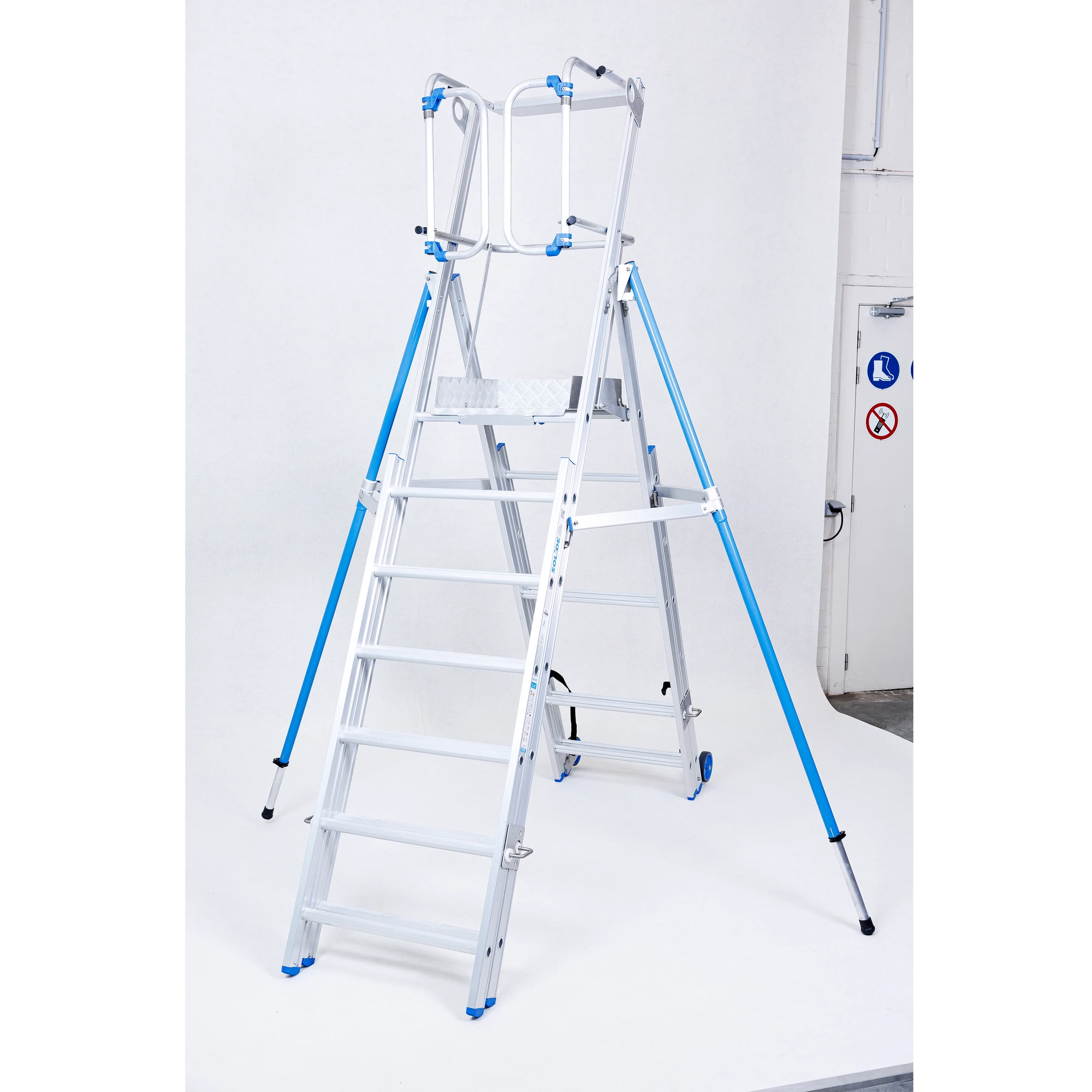
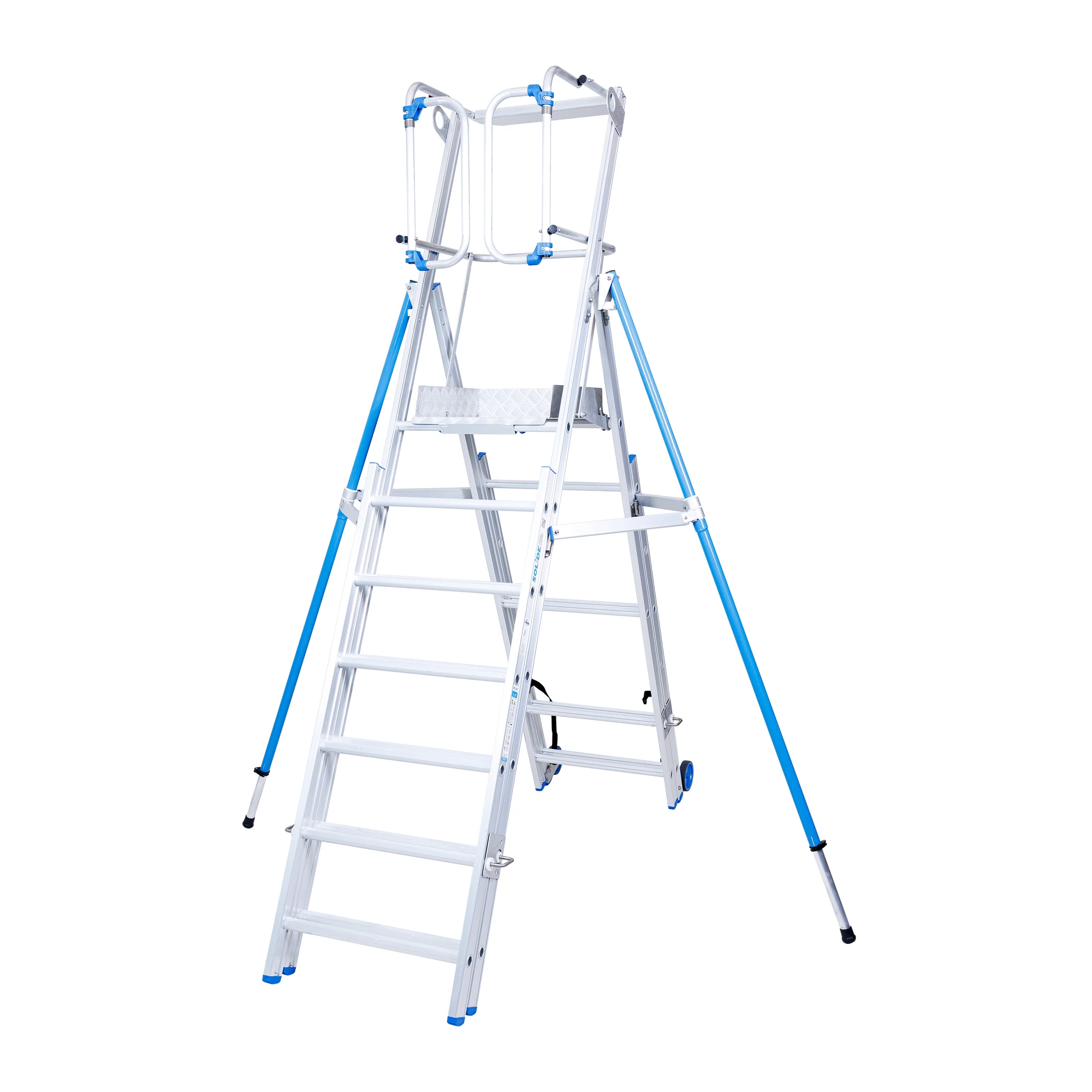
This approved project shows a platform ladder before and after background removal. The editing isolates the product and retains its structure, including narrow spaces between the rails and steps. See the full ladder cut-out case study for the project context.