

01 / MANUAL CLIPPING PATH
Manual clipping path service
for clean product images.
Our manual clipping path service creates carefully drawn Photoshop paths for product photographers, ecommerce teams and catalogue studios. Request editable selections, finished cut-outs or both, from individual solid-edged products to bulk catalogue batches.
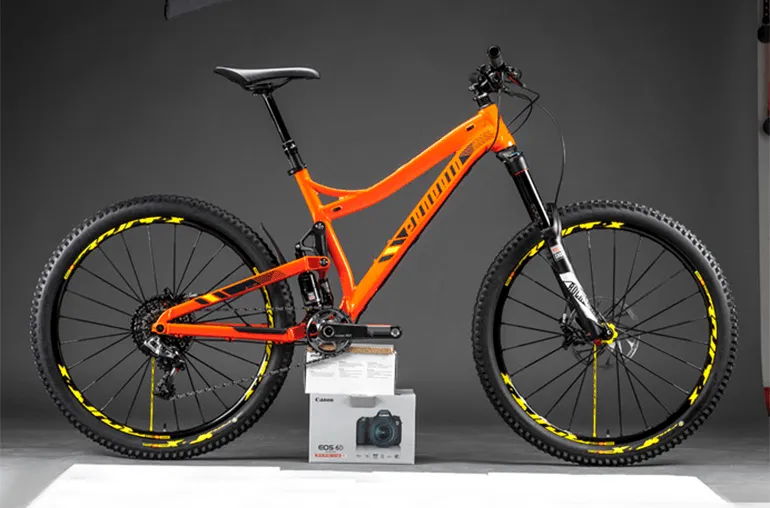
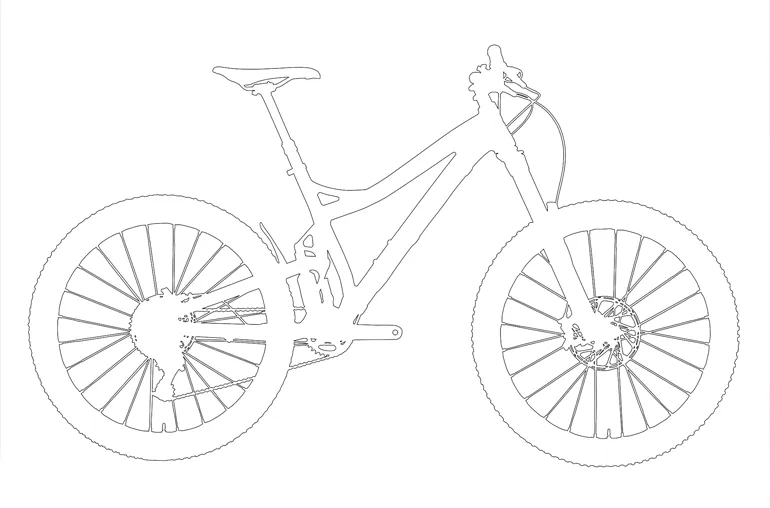
THE FINISH YOU NEED
Care in every detail.
- Manual paths around product edges
- White or transparent background output
- Cut-outs for catalogues and product listings
- Editable path or layered-file options
PREPARE YOUR PROJECT
What to send
Send the original images and tell us whether you need a saved clipping path, a finished cut-out, or both. Include background colour, crop, and output-size requirements.
Your finished files
Choose JPG, transparent PNG, or a PSD/TIFF with a saved path, as agreed in your quote. Fine hair, fur and translucent edges may need masking instead.
REAL PROJECT / LADDER PRODUCT CUT-OUTS
Manual clipping path work around intricate product details.
For a ladder and access-equipment business, we removed backgrounds from 542 product photographs. An approved transparent-background sample established the direction before production. Transparent PNGs and editable PSDs were supplied in batches, with two small-detail corrections completed after client review.
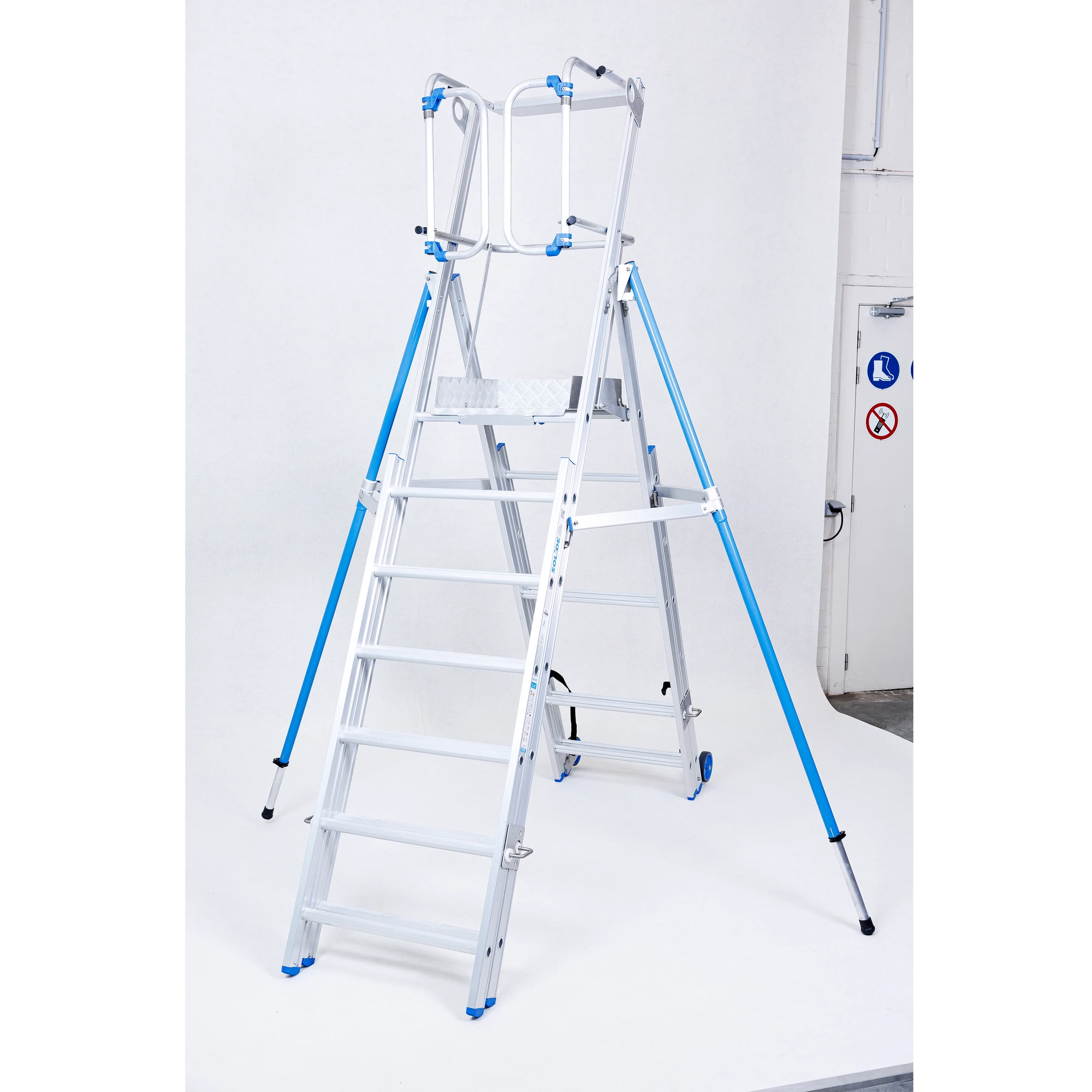
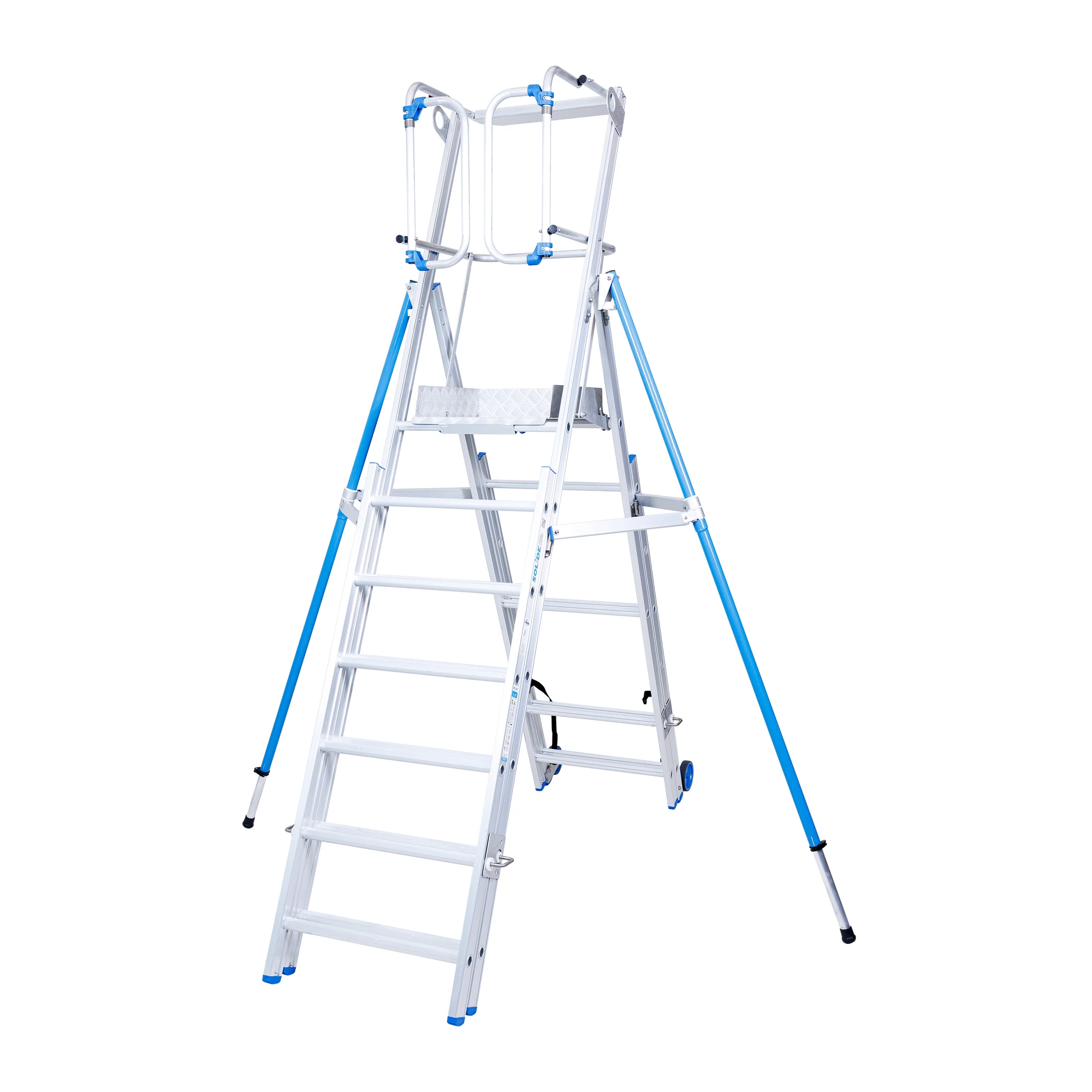
The web example displays the cut-out on white. The project delivery included transparent PNG and editable PSD versions.
CHOOSE YOUR OUTPUT
A saved path or a finished cut-out?
A saved path is an editable selection outline. It lets your designer isolate the product again or place it into another layout. A finished cut-out is an exported image with the agreed background already applied or removed.
Tell us which version your workflow needs. If you need both, specify the editable file and the web-ready export so they can be included in the quote. A JPG uses a solid background; choose PNG when transparency is required.
CONSISTENCY ACROSS A BATCH
Agree the reference before production.
For a product catalogue, include representative examples of simple and complex items. Specify how to handle internal openings, detached accessories, product labels and existing shadows. These decisions help define the scope before editing begins.
Send your preferred canvas size, crop and product alignment alongside the source files. If products need to match an existing catalogue, supply an approved reference. Background removal, surface retouching and shadow creation are separate requirements, so list each treatment you need.
CLEAR SCOPE. CLEAR PRICING.
From $0.50 per image.
Simple manual clipping path services start at $0.50 per image. Intricate edges, openings and multiple objects require a custom quote. Send representative files so we can confirm the total price, delivery date and revision arrangements before work begins.
Share your files
Include image quantity, a reference style and your required deadline.
Agree the work
Confirm the output, total price and schedule in a written quote.
Keep things moving
Review your files and use the approved style for future batches.
MANUAL CLIPPING PATH QUESTIONS
Choose the right cut-out method for your product.
Send representative files for advice on scope, output and a confirmed quote.
When is a manual clipping path suitable?
A hand-drawn clipping path suits products with clear, solid edges, such as boxes, bottles and many accessories. Fine hair, fur or translucent materials may need masking instead.
Can you keep holes and inner openings?
Yes. Include representative images so we can assess internal openings, overlapping objects and edge complexity before quoting.
What should I include in the brief?
Specify image quantity, white or transparent output, crop and canvas size, required file format and deadline. Include a reference image if you need a consistent catalogue style.
ONE PROJECT OR A REGULAR WORKFLOW
Let’s look at your images.
Tell us what a great result looks like for your brand.