

PROJECT 02 / PRODUCT CLIPPING PATH
542 product images.
A consistent, background-free catalogue.
This case study of ladder product cutouts covers manual background removal for a ladder and access-equipment business. An approved sample established the direction before production, with transparent PNGs and editable PSDs delivered in batches for website use.
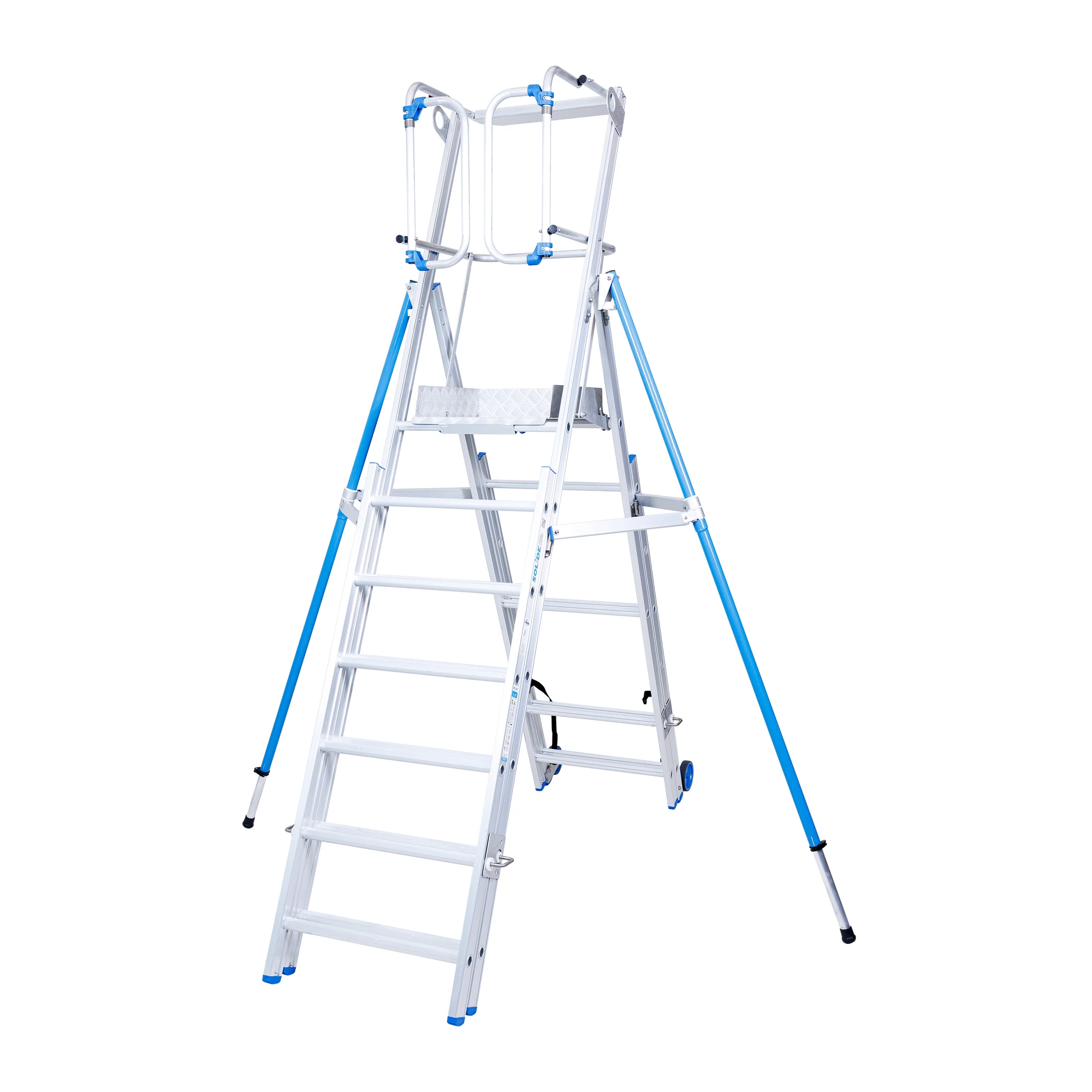
- Project scope
- 542 product images
- Client sector
- Ladders & access equipment
- Delivery period
- 27 March–2 April 2025
- Core service
- Manual clipping path
THE BRIEF
Prepare a product range for website use.
The client needed backgrounds removed from 542 photographs of ladders, stepladders and related access equipment. The required outputs were transparent PNGs for website placement and editable PSD files.
A transparent-background sample was approved before the full batch began. This provided a clear reference for the production work and the required delivery formats.
THE CHALLENGE
Keep small details intact across a large batch.
The central requirement was careful background separation without losing small product details. On ladder and access-equipment photographs, accurate edges and openings matter to the final cut-out.
Maintaining that attention across 542 images also required an organised delivery and review process. During review, the client identified two photographs where small details were missing, making targeted corrections part of the workflow.
THE APPROACH
Approve the sample. Produce in batches. Refine the details.
- Agree the direction. Prepare a transparent-background sample and obtain approval before full production.
- Clip the product images manually. Remove the backgrounds while preserving the product silhouette and small visible details.
- Organise the files for delivery. Supply transparent PNG and editable PSD versions in batches.
- Act on review feedback. Correct the two identified missing-detail images and supply updated PNG/PSD pairs.
EXAMPLE 01 / PLATFORM LADDER
Background removal around rails, steps and supports.
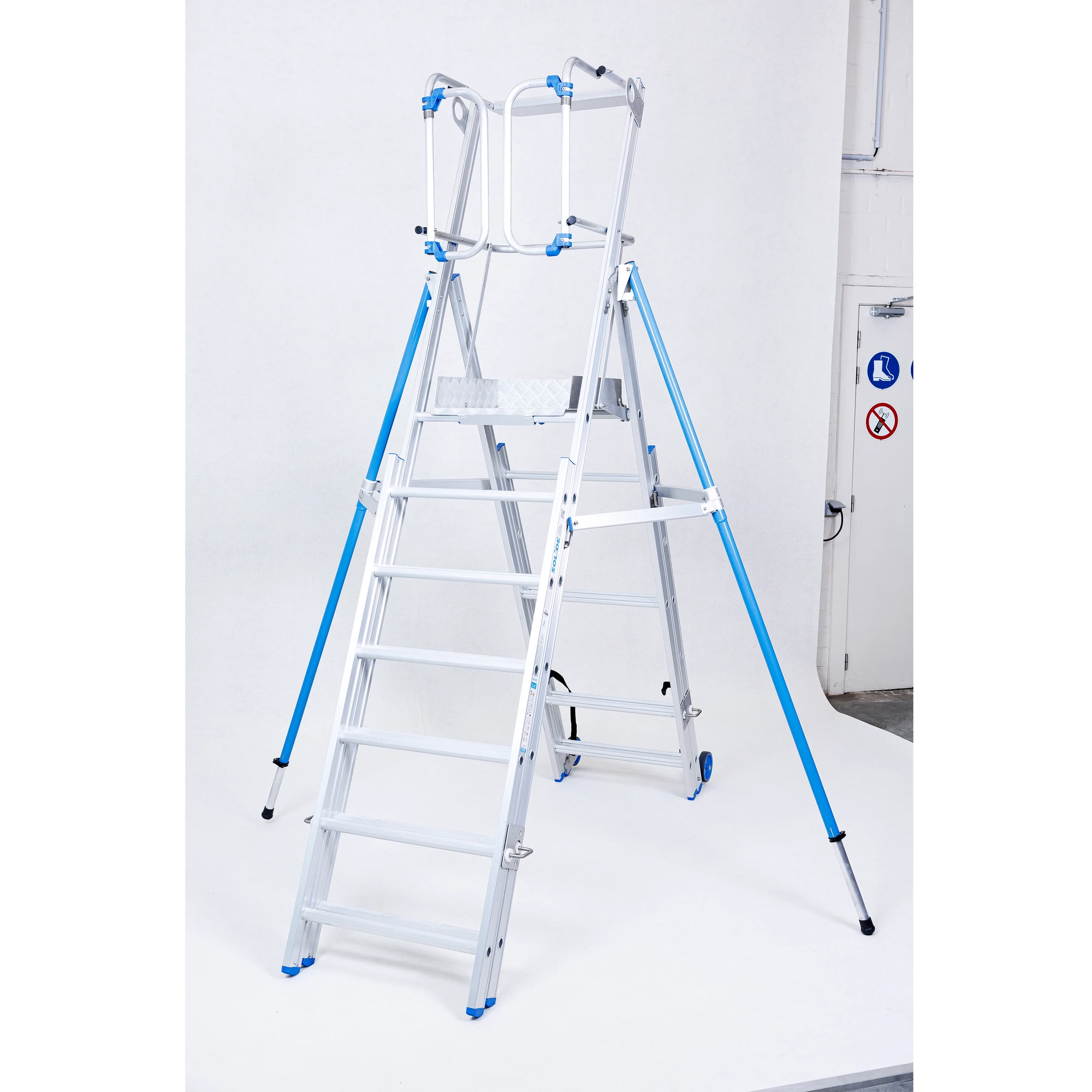
The edited image removes the studio surroundings and separates the background through the ladder’s open structure. These JPG examples show the result on white; the project delivery included transparent PNGs and editable PSDs.
EXAMPLE 02 / PLATFORM LADDER
Consistent isolation across a second product view.
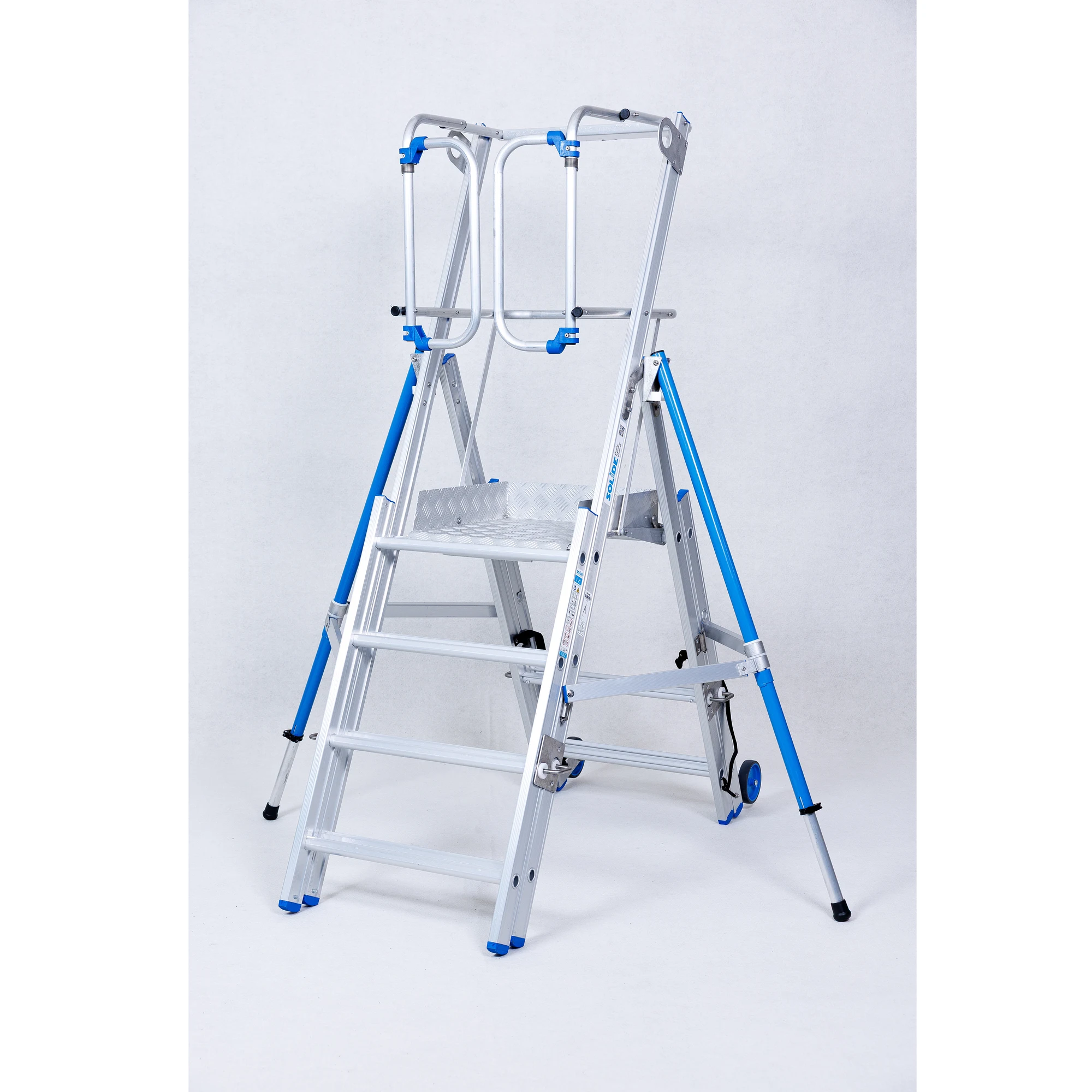
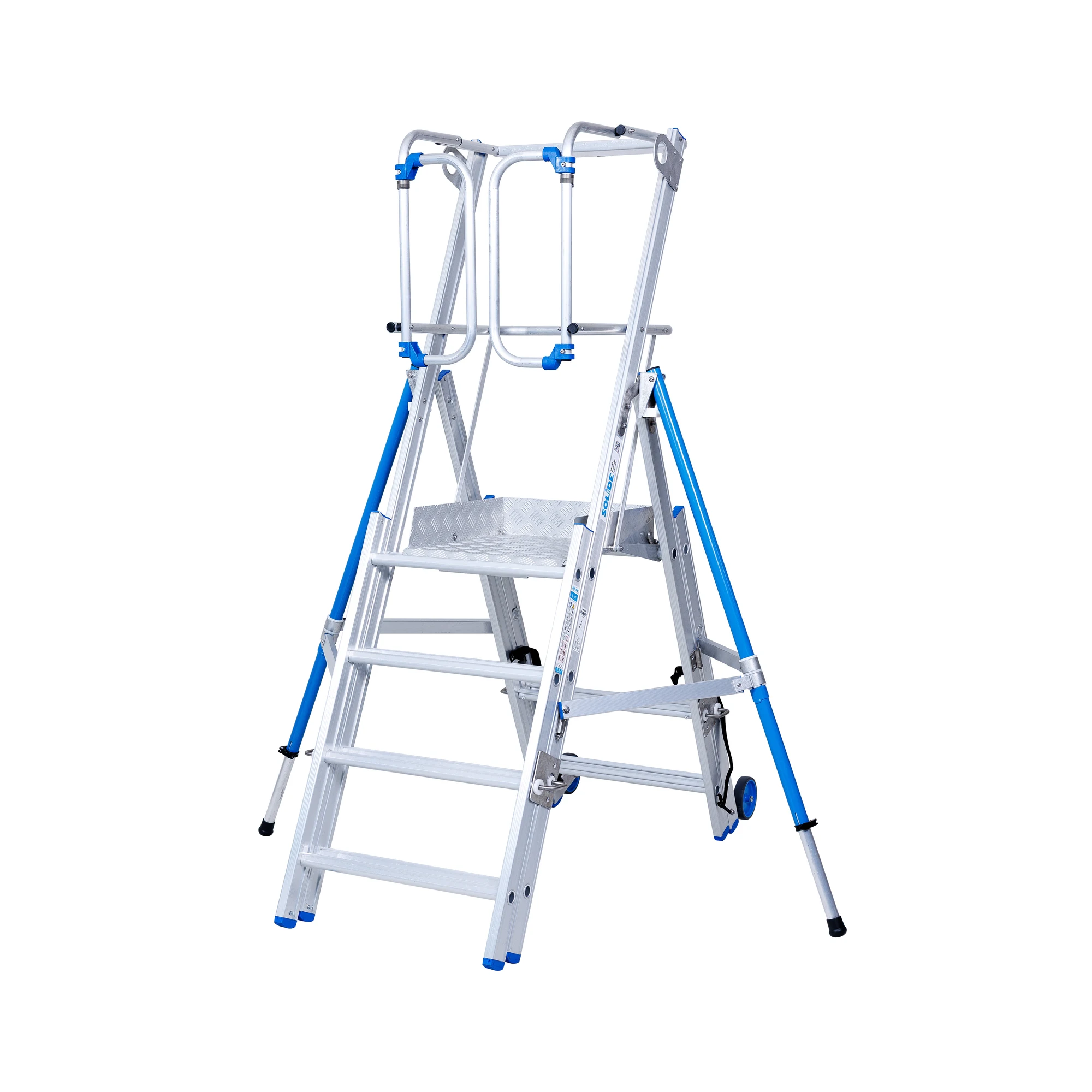
The second pair shows the same background-removal approach around the handrails, platform, rungs and stabiliser legs. These JPG examples show the result on white; the project delivery included transparent PNGs and editable PSDs.
WHAT TO LOOK FOR
Reviewing detailed product cutouts.
The two platform-ladder views show why background separation includes more than the outside silhouette. Look through the openings between the rungs, around the platform and alongside the stabiliser supports. These areas help demonstrate how the cut-out retains the structure of the product.
When reviewing similar product cutouts, compare the edited image with the original at the same scale. Check narrow components, small fittings and spaces between connected parts. An organised file list makes it easier to identify a specific image and describe a correction during batch review.
The approved sample, paired file formats and targeted corrections provide practical context for this project. For a comparable catalogue, specify whether your team needs transparent images for placement, editable files for later adjustments or both. Agree the output requirements and review process before production so each delivered version can be checked against the brief.
THE DELIVERY
Background-free files, with the review corrections completed.
All project files were confirmed uploaded on 2 April 2025, approximately six calendar days after the project began on 27 March. Delivery included transparent PNGs and editable PSDs for the 542-image scope.
The two small-detail issues identified during review were corrected, with replacement PNG and PSD files supplied. The documented result is a background-free product-image set prepared for the client’s website use.
YOUR NEXT PRODUCT-IMAGE PROJECT
Need precise cut-outs
across your product range?
Send representative sample images, the total quantity, your required file formats and deadline. We will review the scope and confirm a quote before production.