

A clearer background. The product’s character preserved.
This product photo editing case study covers manual clipping and white-background preparation across two ecommerce projects totalling 1,320 images. These two vintage-fan examples show how background cleanup and cable removal can simplify a product photograph while keeping its original details visible.
Prepare a large product-image set for consistent presentation
The client requested clean white backgrounds, natural shadows, dust and mark removal, and more consistent exposure across a large product-image collection.
The delivery brief included original-size files, square exports at 3000 × 3000 pixels and portrait exports at 2160 × 3840 pixels. Product rotation or flipping was requested where needed.
JPG/JPEG and PSD files formed part of the agreed output requirements, with separate downloads requested for the larger PSD files.
Detailed edges and a large production workflow
The batch combined manual clipping requirements, marked backgrounds and uneven exposure. In the fan examples, the thin grille wires and openings required careful separation from the backdrop.
Missing RAW uploads had to be resolved before work could proceed. Large PSD files also complicated transfer and required attention to how the delivery was organised.
Fine grille wires and the openings between them required careful manual path work, with edges reviewed against each source photograph.
Clean isolation around fine metal details
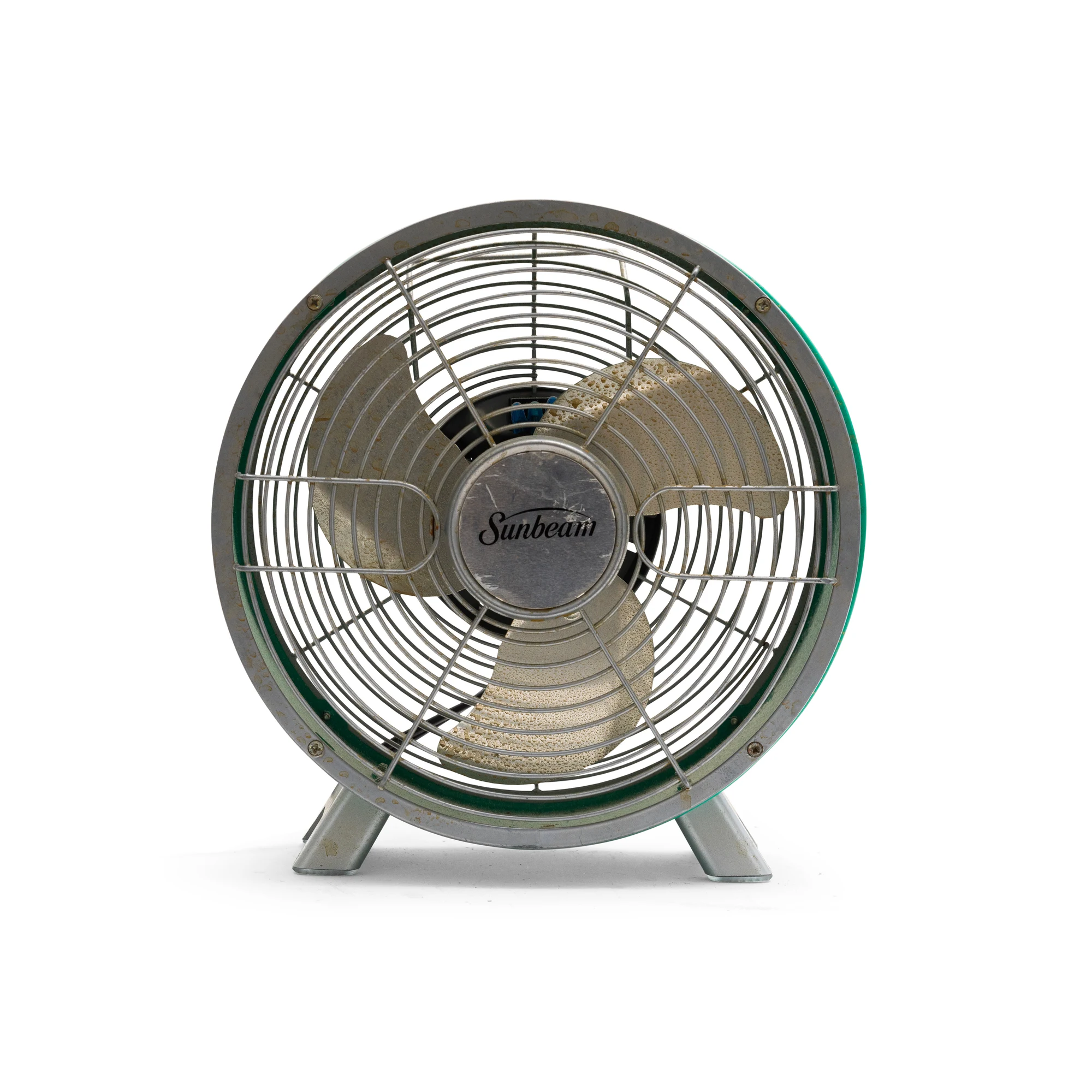
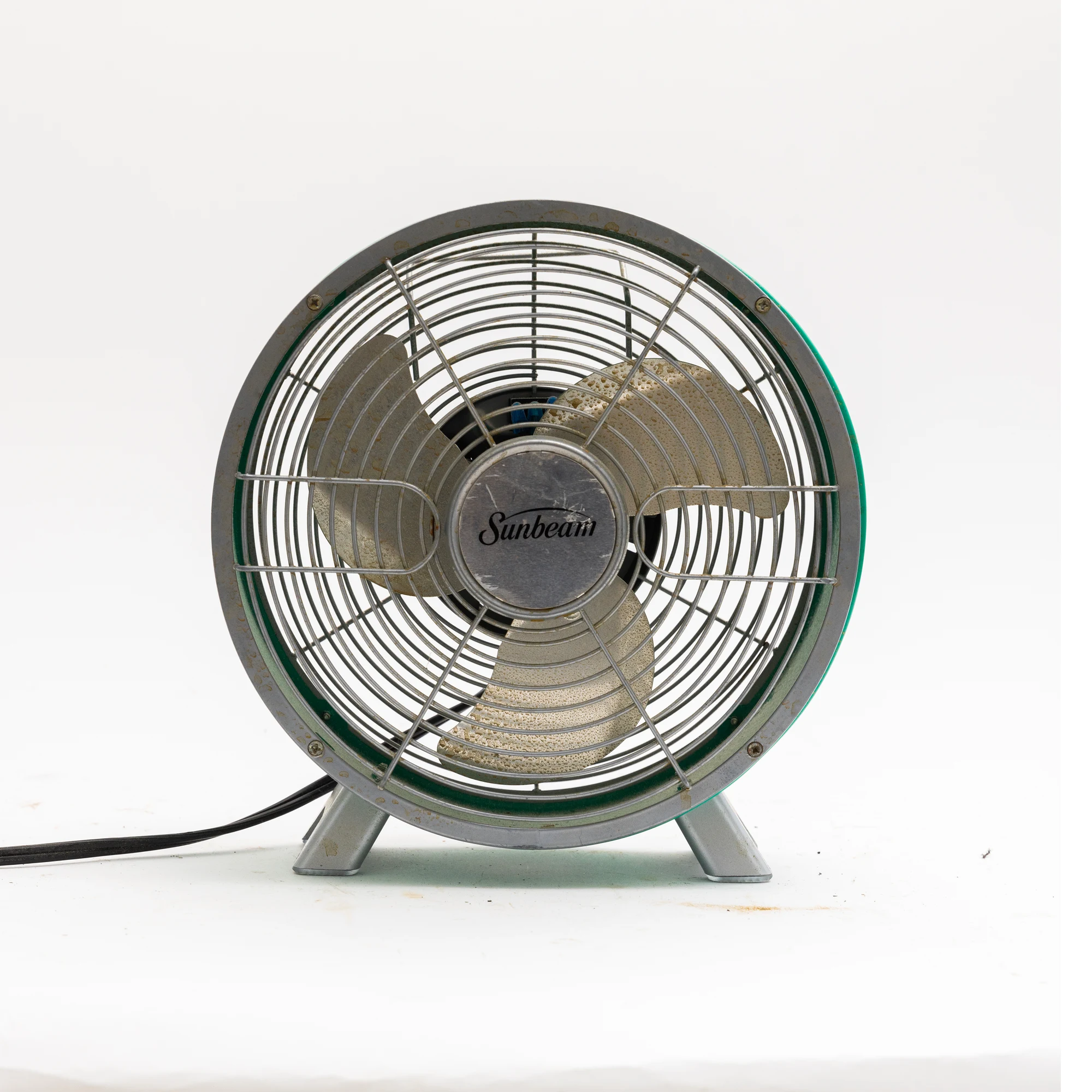 Before: Raw Shot
After: Clean Cutout
Drag the comparison slider, or focus it and use the arrow keys to reveal more of either photograph.
The edited example removes the visible power cable and distractions in the backdrop. The grille, blades, branding and age-related surface wear remain visible, with a natural grounding shadow beneath the fan.
- Cable excised without surface blurring
- Pure #FFFFFF white background
- Sub-pixel Pen Tool vector path
The same approach from another angle
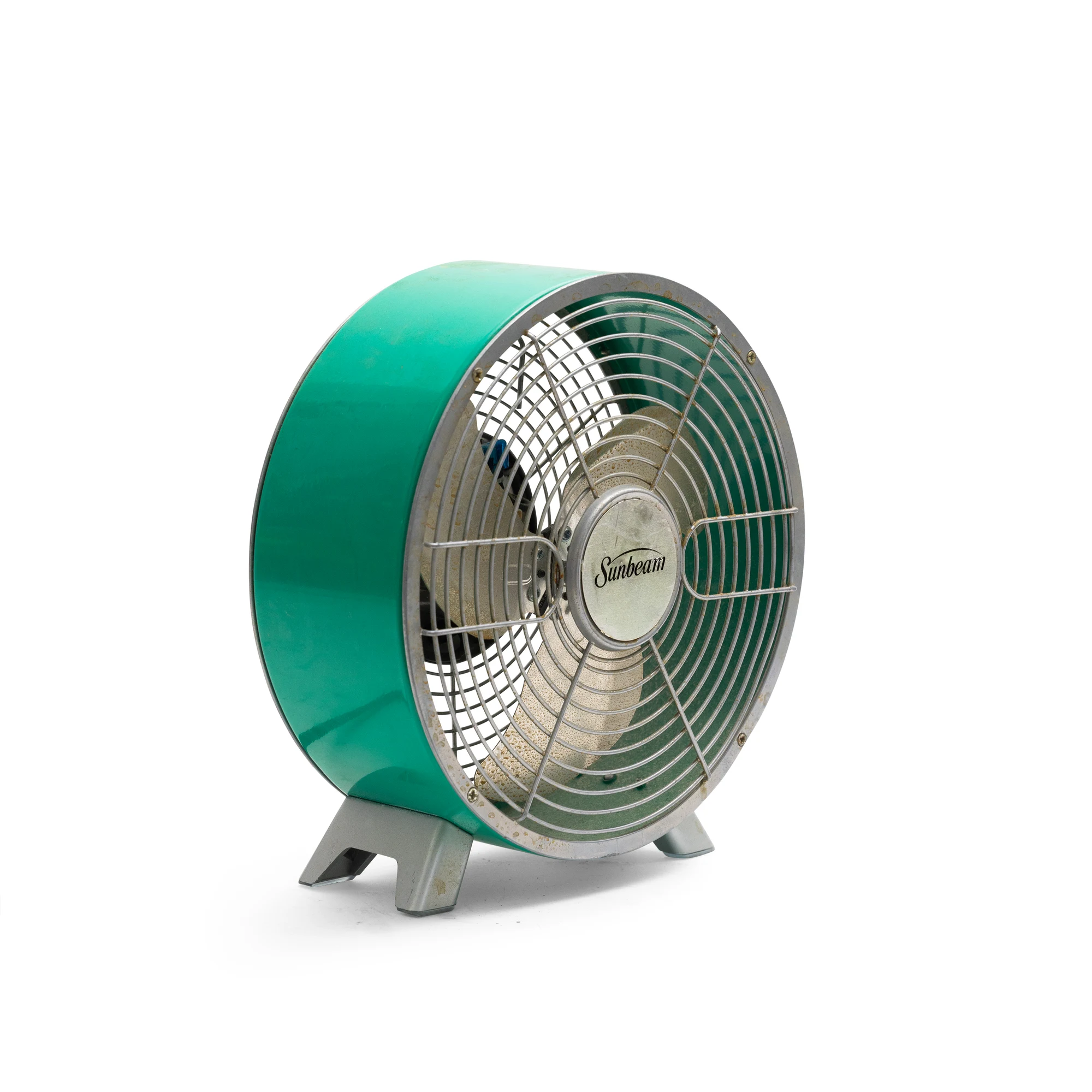
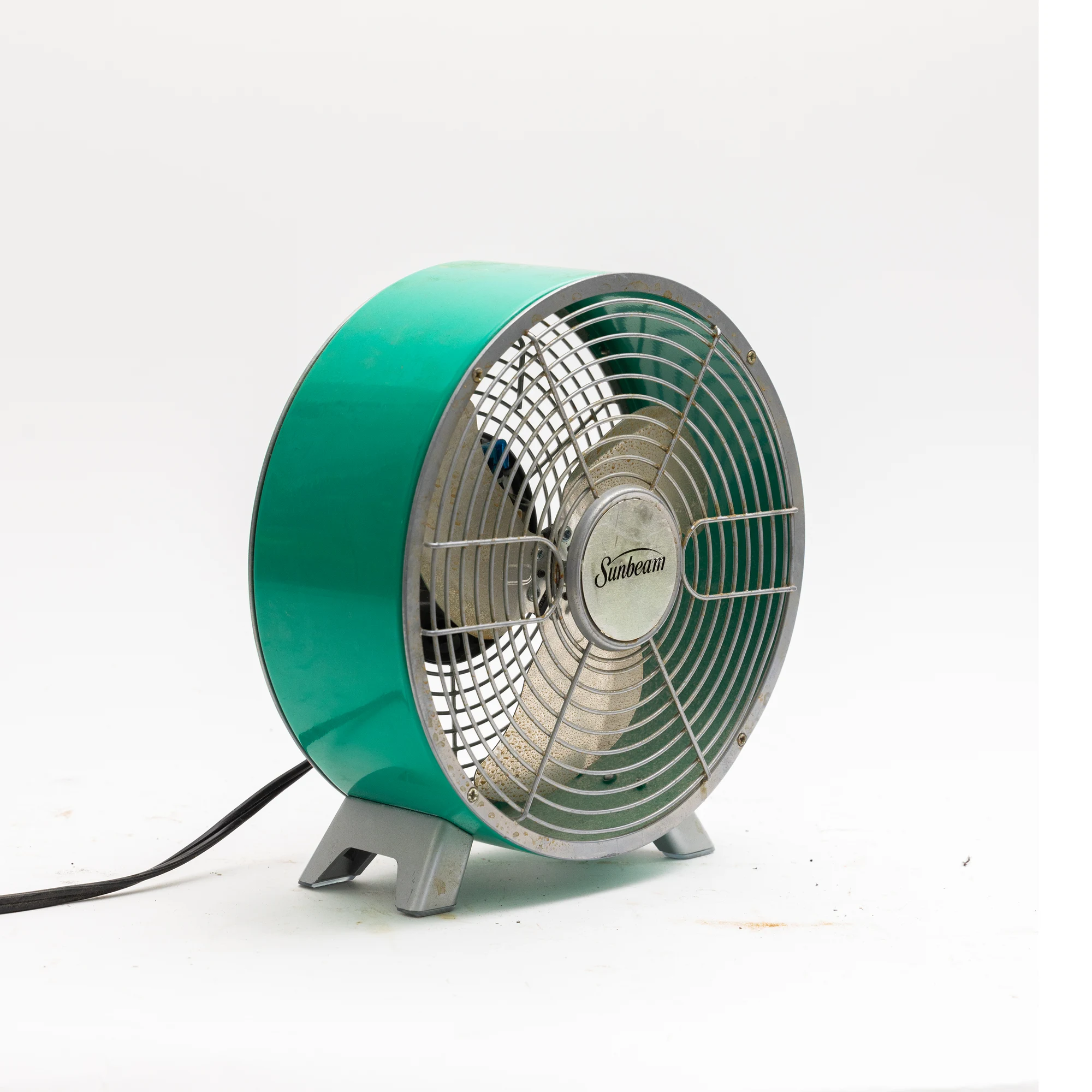 Before: Raw Shot
After: Clean Cutout
Drag the comparison slider, or focus it and use the arrow keys to reveal more of either photograph.
The angled view shows the cable removed and the background cleaned while retaining the fan’s shape, green housing, metal grille and visible surface condition.
- Intricate motor vents cleanly isolated
- Seamless grounding contact shadow
- Authentic vintage patina untouched
Sample edits, manual paths and agreed exports
Prepared sample edits to establish the required direction and agreed finishing quality with the client.
Manually clipped products in Adobe Photoshop and removed their backgrounds with zero AI feathering.
Exported original-size PSDs, 3000 × 3000px square crops, and 2160 × 3840px vertical files.
Supplied a separate 220-image revision set after detailed client exposure feedback.
Product photo editing case study: key observations
The front and angled views provide two ways to inspect the background separation. Look at the open spaces between the grille wires, the edges of the fan housing and the area around the feet. These details help show how the edited product sits against the cleaner background.
The examples also distinguish background cleanup from restoration of the product itself. The visible surface wear, metal texture and branding remain part of the fan’s appearance. Removing distractions from the surrounding photograph does not mean removing every sign of age from the object.
When assessing similar work, compare matching before-and-after views at the same scale. Review small openings as well as the outer outline, and check that the product still has an appropriate grounding shadow. A white background alone does not explain the quality of the separation.
This product photo editing case study combines two supplied examples with the documented scope and revision notes. For a similar batch, agree the reference finish, required exports and review process before production so those requirements can be checked consistently.
A cleaner presentation, with further exposure review
The supplied fan examples demonstrate background isolation and cable removal while preserving product detail. Across the wider project, a separate 220-image revision set addressed exposure feedback. Some exposure issues in the wider batch remained subject to further review. This case study therefore focuses on the visible editing work and documented project scope.
Questions about this fan project
What changed in the fan photographs?
The front and angled comparisons show the distracting background and visible cable removed. The fan's grille, branding and age-related surface wear remain visible. Check the openings between the wires and the contact area beneath the feet when comparing each matching view.
Do these previews demonstrate the delivered file formats?
These four website images are WebP previews for comparing the visible edits. They do not demonstrate editable PSD layers, original export dimensions or every file in the 1,320-image scope. The project brief describes JPG/JPEG and PSD output requirements; agree your own formats and dimensions before production.
What should a similar catalogue brief specify?
Supply matching product views, an approved reference finish, background and shadow requirements, and the required crop and file formats. Review exposure as well as cut-out edges: this project included a separate 220-image revision set for exposure feedback. Confirm the review process, delivery schedule and revision scope in your quote.
Need careful editing
across your catalogue?
Send representative samples, your image quantity, output requirements and deadline. We will confirm the scope and quote before production.