


Product photo retouching refines a photograph while preserving what the customer is buying. Typical tasks include removing dust, correcting distracting marks from the shoot, balancing colour and matching a catalogue style. The aim is a clear, accurate presentation, not a different-looking product.
What product photo retouching includes
The right treatment depends on the material, lighting and brief. A metal product may need controlled reflections; a knitted garment needs its texture preserved. Decide which corrections are necessary before asking an editor to apply the same treatment to every file.
- Remove temporary dust, lint and background marks.
- Adjust exposure and white balance against an agreed reference.
- Refine distracting reflections without flattening the material.
- Match crop, product scale and alignment across related images.
- Prepare the agreed file formats and dimensions.
Keep product details accurate
Editing should not hide a feature or condition that matters to a buyer. Preserve logos, stitching, surface texture and the shape of the item. For used or vintage goods, ask which marks are part of the product and which belong to the background. Do not assume that every visible scratch should disappear.
Colour matching also needs a useful reference. Send an approved photograph or supplied colour reference and describe the intended use. A monitor preview alone cannot guarantee that every customer’s display will show an identical colour.
Separate retouching from background work
A clean background does not automatically mean the product itself has been retouched. Background removal isolates the subject; retouching addresses its presentation. A manual clipping path provides a precise selection for suitable hard-edged items. Hair, fur or translucent materials may need masking.
Shadows are another separate decision. Keep an existing natural shadow where appropriate, or agree a drop, reflection or constructed shadow. It should match the product’s position and the catalogue’s lighting style.
Prepare a useful editing brief
Send representative originals, including the most difficult examples. List the image quantity, deadline, output dimensions, background, naming convention and required editable files. Mark up specific corrections so that the editor can distinguish local work from a change needed across the whole batch.
Choose a reference image that represents the finish you want. Ask for an agreed sample before full production and review it against the original. This is the best point to resolve differences over texture, brightness or the amount of cleanup.
Review the files at two sizes
At a detailed view, look for repeated cloning patterns, lost texture, edge halos and uneven colour. At normal listing size, check whether the product is easy to understand and consistent with neighbouring images. Both checks matter: an image can look clean close up but feel mismatched in a catalogue.
Open the exported files as well as the working document. Confirm that filenames, dimensions, colour profile and transparency match the brief. Keep feedback specific, with filenames and marked examples, rather than asking for an undefined improvement.
Agree scope and price before production
Complexity, file quality and the required finish affect the work involved. A simple dust cleanup and a detailed reflective-product retouch are different jobs. Use the current pricing page for starting rates and request a quote for the actual batch. This avoids relying on outdated prices inside a blog article.
Explore our real project case studies or send a brief for product retouching support. Agree the deliverables and approval process before the editing begins.
Image examples from the original article
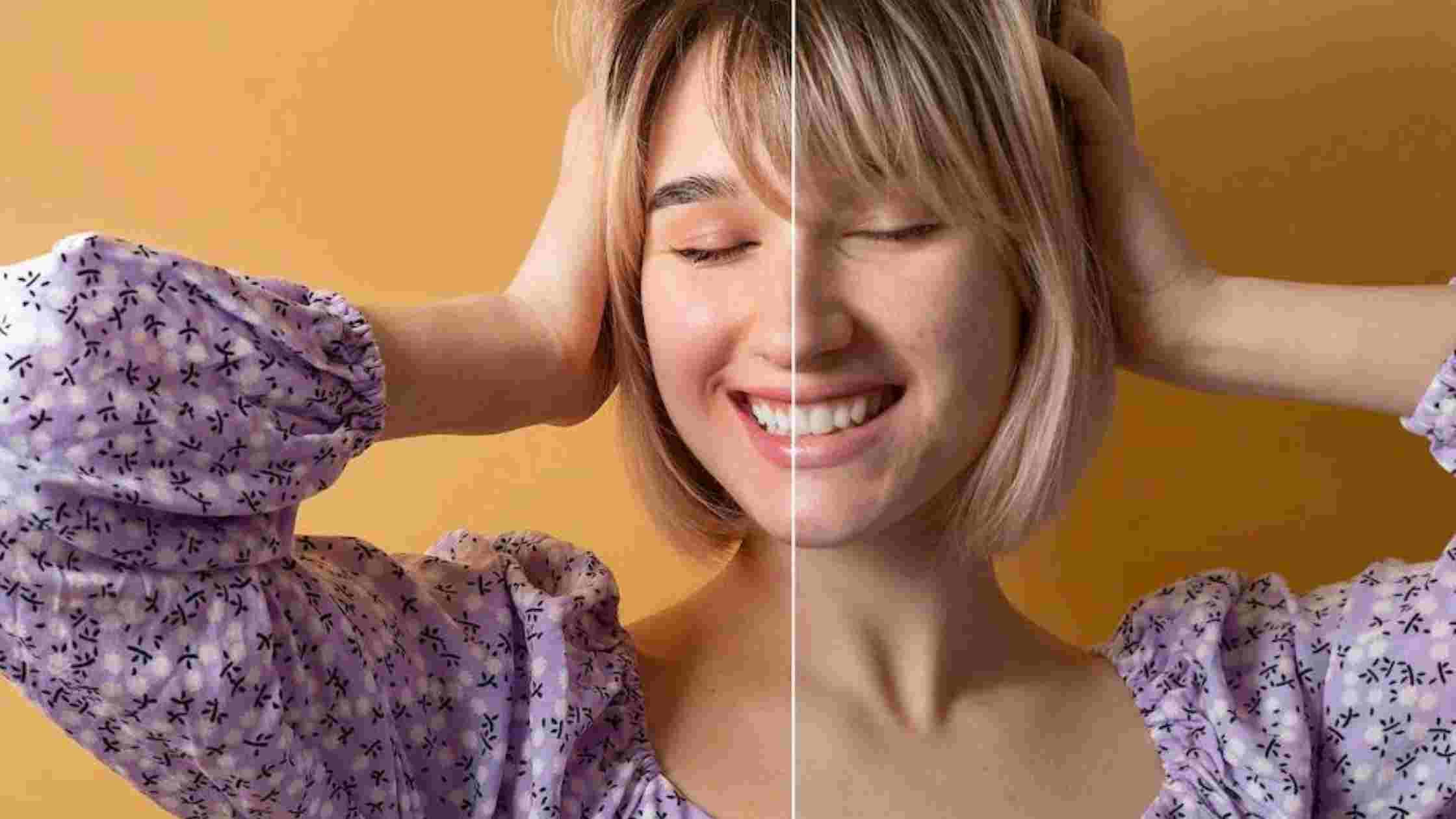
Product photo retouching questions
Can editing replace a reshoot?
Sometimes a usable capture can be improved, but severe blur, missing parts and clipped detail may require new photography. Send the original for assessment before assuming that a low-resolution preview can become a detailed catalogue master.
Should every mark be removed?
No. Separate temporary dust from the shoot from details that describe the actual product. For vintage or used items, a mark may matter to the buyer. Agree the permitted corrections before editing begins.