

A clipping path is a vector outline drawn around an object in an image. It defines which areas should be kept when the product is isolated or placed into another layout. For online stores and product photographers, the value is practical: clean product selections, reusable files and a consistent catalogue.
What does a clipping path service do?
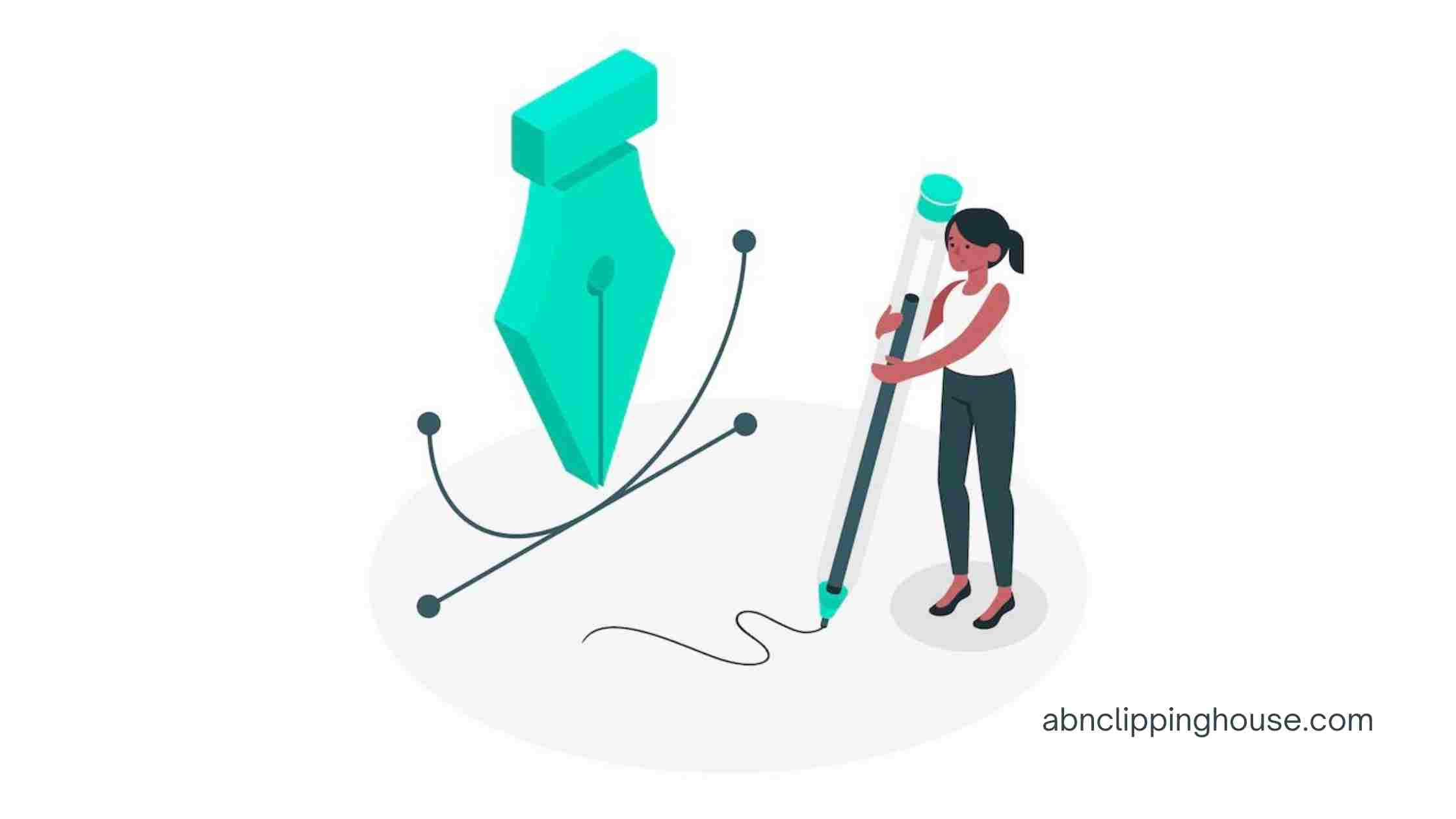
An editor draws a path around a product, commonly with the Pen tool in Adobe Photoshop. The path follows solid edges and can include separate internal openings, such as the space inside a handle. The editor checks the selection at an appropriate magnification and prepares the agreed output.
A saved path and a finished cut-out are different deliverables. Your designer may need a PSD or TIFF containing an editable path. Your store may instead need an exported JPG on white or a PNG with transparency. Specify both if your workflow requires both.
Where clipping paths help product-image workflows
Preparing catalogue backgrounds
A precise selection makes it easier to separate a product from a distracting studio background. After isolation, the product can be shown on an agreed white, coloured or transparent background. Background removal should be included in the brief rather than assumed from a request for a saved path.
Keeping a batch consistent
For a catalogue containing several products or angles, an approved sample helps establish the crop, canvas size, product position and edge treatment. Consistency comes from following that reference across the batch. A clipping path supports this process, but it does not replace decisions about framing, retouching or shadows.
Reusing images in print and design
An editable selection gives a designer more flexibility when placing a product into a brochure, advertisement or packaging layout. Tell the editor which application and file format your design team uses. Confirm the required resolution, colour space and whether the original image must remain on a separate layer.
When a clipping path is the right method
Manual paths are suited to products with clearly defined, solid edges: furniture, bottles, tools and many clothing accessories. Complexity increases with internal holes, narrow gaps, overlapping parts and several objects in one photograph.
Hair, fur, smoke, soft fabric edges and translucent materials often require image masking or a combination of techniques. Glass and reflective surfaces need individual assessment. The best method depends on the source image and the required finish, so send a representative file before agreeing a quote.
How multiple clipping paths differ
A standard clipping path usually isolates a product as a whole. Multiple clipping paths define separate regions, such as a product body, trim, hardware or colour panels. Those selections can support controlled adjustments to individual components.
Multiple paths do not automatically include recolouring. If you need colour variants, provide the reference colours and identify which areas should change. Agree path names and the editable file structure so the result is useful to the next person in your workflow.
What a clipping path does not fix
Isolation does not remove dust, scratches, dents or unwanted reflections within the product. Those are retouching requirements. A new contact shadow or reflection is another separate treatment. List the full set of edits so the quote covers the finished image you actually need.
Clearer images can help shoppers inspect a product, but editing alone does not guarantee more sales. Product quality, pricing, traffic and the shopping experience also affect commercial results.
How to prepare a useful brief
- Send original-resolution files and include a demanding example as well as a simple one.
- State the image quantity, intended use and delivery deadline.
- Specify saved paths, finished cut-outs or both, including the required file types.
- Provide your background, crop, canvas size and naming requirements.
- Mark internal openings, accessories and details that must remain.
- Include an approved reference for any retouching or shadow work.
How to review the finished files
Check the outline against the source, including narrow gaps and internal openings. View cut-outs on the background they will use, then look for rough edges, missing detail and unwanted colour fringes. Review representative files from different product groups before approving a large batch.
When requesting corrections, identify the filename and describe the issue against the approved brief. Keep a new style request separate from a correction so any change to scope, price or timing can be agreed clearly.
See a real clipping-path project
Our 542-image ladder case study shows background removal around product frames, braces and internal openings, with transparent PNG and editable PSD delivery. Use the examples to explain the level of detail your own products require.
For a project assessment, explore our manual clipping path service or send representative images for a tailored quote. We review complexity and confirm the output, total price and schedule before production.
Continue your editing workflow
For a practical next step, read our guide to editing photos professionally. For product-image work, explore the manual clipping path service and send representative originals with a clear reference before agreeing the scope.