

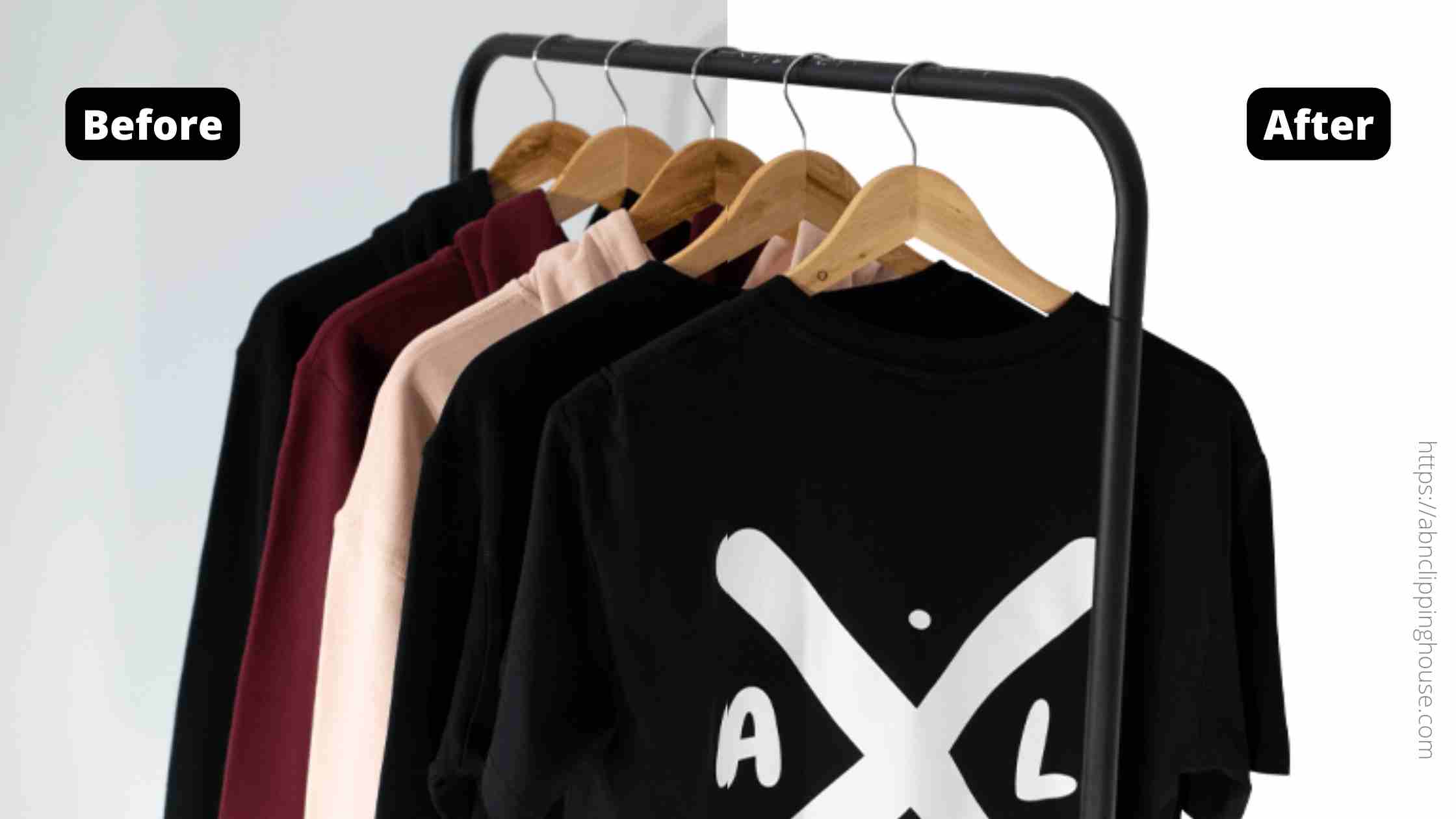
Background removal separates the subject of a photograph from its surroundings. For a product catalogue, this usually means preparing an item on white, another agreed colour or a transparent background. The aim is a clear, consistent presentation that preserves the product’s real details.
What product background removal includes
An editor selects the product, refines its boundary and prepares the required background. Solid edges may be handled with a manual clipping path. Hair, fur, translucent materials and soft edges may need masking or a combination of methods.
The finished file depends on its intended use. A JPG can contain a white or coloured background but cannot store transparency. A PNG can retain transparent areas. An editable PSD can include masks, layers or paths if those are part of the agreed delivery.

Why businesses use consistent backgrounds
Make products easier to inspect
A distracting studio backdrop can compete with a product’s shape and detail. Removing it helps isolate the item, especially when a store displays many products in a grid. The edit should preserve labels, handles, fine openings and other features a shopper needs to evaluate.
Match a catalogue style
Consistent backgrounds, crop and alignment can make separate product shoots look more coherent. Provide an approved reference and specify the canvas size, product position and treatment of existing shadows. Background colour alone will not correct inconsistent framing.
Reuse an image in different layouts
A transparent product image can be placed into a design without carrying the original studio background. Confirm the intended background during edge review, because an edge that looks clean on white may show unwanted colour fringes on a darker layout.
Choose white, transparent or replacement output
White is useful when your catalogue or marketplace calls for a plain presentation. Share the exact requirements for the intended platform rather than assuming one export suits every listing. A transparent version is useful for design work, while a replacement background may require additional work on lighting, perspective and shadows.
For transparent output, ask whether the original shadow should be removed, preserved or delivered separately. If you need a new natural contact shadow, drop shadow or reflection, include it in the scope. Our shadow creation guide explains those options.
Understand what is outside background removal
Removing a background does not automatically remove dust, scratches, dents or unwanted reflections on the product. Those are retouching tasks. Recolouring, reshaping and compositing also need separate instructions.
Editing can improve presentation, but it cannot guarantee a sales increase. Product quality, pricing, traffic and the rest of the shopping experience affect the result too. Agree observable image requirements instead of relying on a promise of commercial performance.
Prepare a clear brief for a batch
- Supply original-resolution files and examples of simple and demanding products.
- State whether you need JPG, transparent PNG, editable PSD or more than one output.
- Specify the background, canvas dimensions, crop and naming convention.
- Identify internal openings, loose accessories and details that must remain.
- Explain whether existing shadows should stay or be replaced.
- Include quantity, deadline and any confidentiality requirements.
An approved sample is useful before a large batch. Review it on the intended background and confirm the product scale and position. This gives both sides a reference for the remaining files.
How to check the finished images
Compare the cut-out with the original. Look around corners, narrow gaps and internal holes for lost detail or leftover background. Examine reflective and translucent areas carefully, then check the product at its normal viewing size as well as a closer magnification.
Review several images from each product type for consistency. A batch containing clothing, tools and glassware may need different techniques while still following the same final catalogue style. Name the affected file when reporting a correction and describe the change against the approved sample.
See an example before requesting a quote
Our ladder product cut-out case study shows work around frames, braces and internal openings, with transparent PNG and editable PSD delivery. The before-and-after portfolio includes other product examples.
Explore our product background removal service and send representative files for a tailored quote. We review edge complexity, output requirements and quantity before confirming the price and schedule.
Continue your editing workflow
For a practical next step, read our guide to editing photos professionally. For product-image work, explore the photo retouching service and send representative originals with a clear reference before agreeing the scope.