

CASE STUDY 07 • ECOMMERCE BAG IMAGE EDITING
Ecommerce Bag Photo Editing: 77 Projects over 2 Years
A two-year collaboration with an ecommerce bag retailer, covering approximately 55,421 images across 77 projects. Manual clipping, dust cleanup and centred square images prepared the products for a consistent online catalogue.
Approximately 55,421 images · 77 projects · 2000 × 2000 px · PSD + PNG
Image scope
≈55,421 images
Completed projects
77 projects
Client relationship
2 years
Delivery formats
PSD + PNG
The brief: consistent images for an ecommerce bag catalogue
The client needed the original photographs resized to 2000 × 2000 px, with each product aligned in the centre. The work included manual clipping, dust and unwanted-element removal, and preservation of the original natural shadow.
PSD and PNG were the requested delivery formats. The supplied examples show handbags, a crossbody bag and a shoulder bag with different handle shapes, straps, materials and fittings.
EXAMPLE 01 / BURGUNDY LEATHER HANDBAG
Burgundy leather handbag: before and after
Clean separation around the curved handles, zip pull and metal fittings, with the leather grain, stitching and original product details retained.
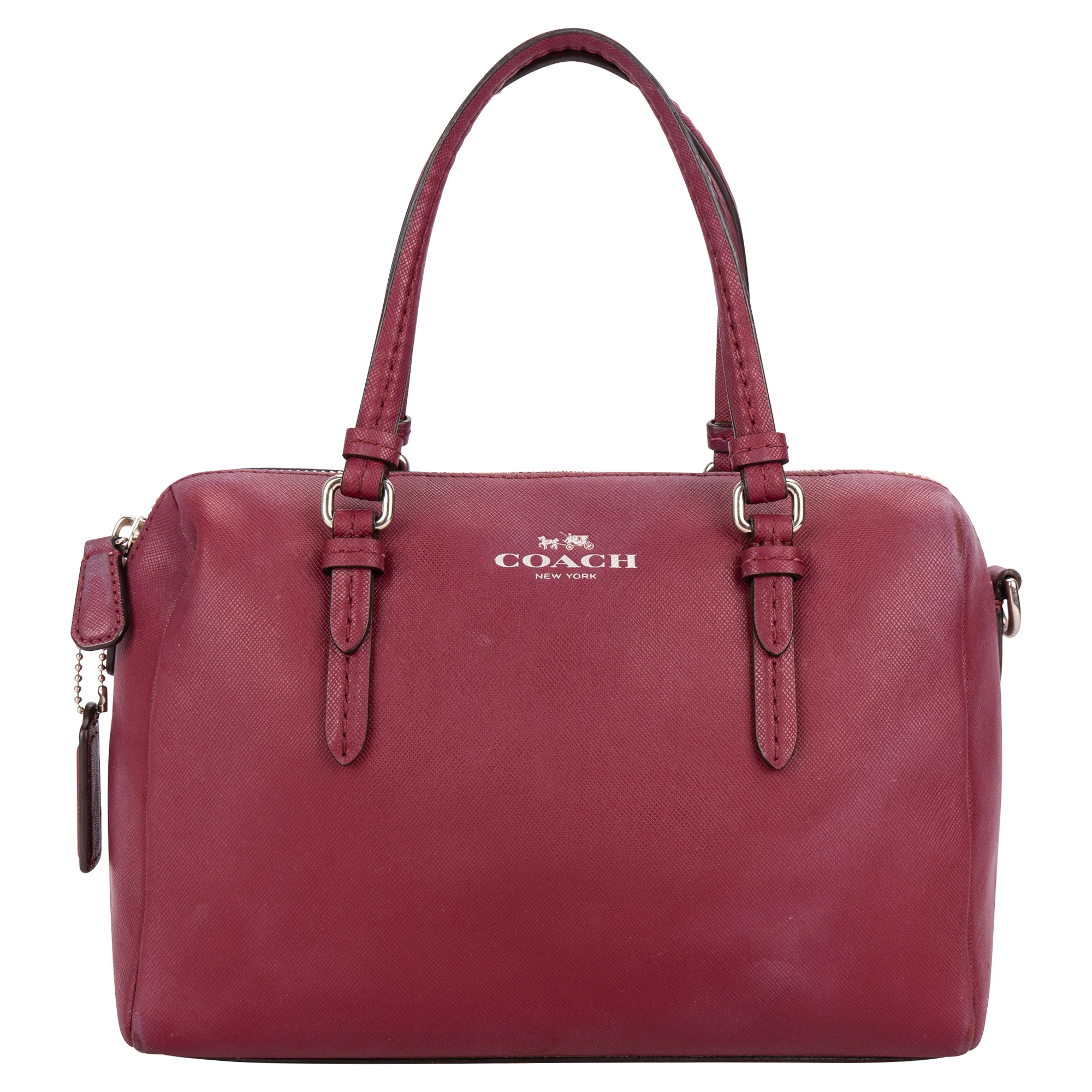
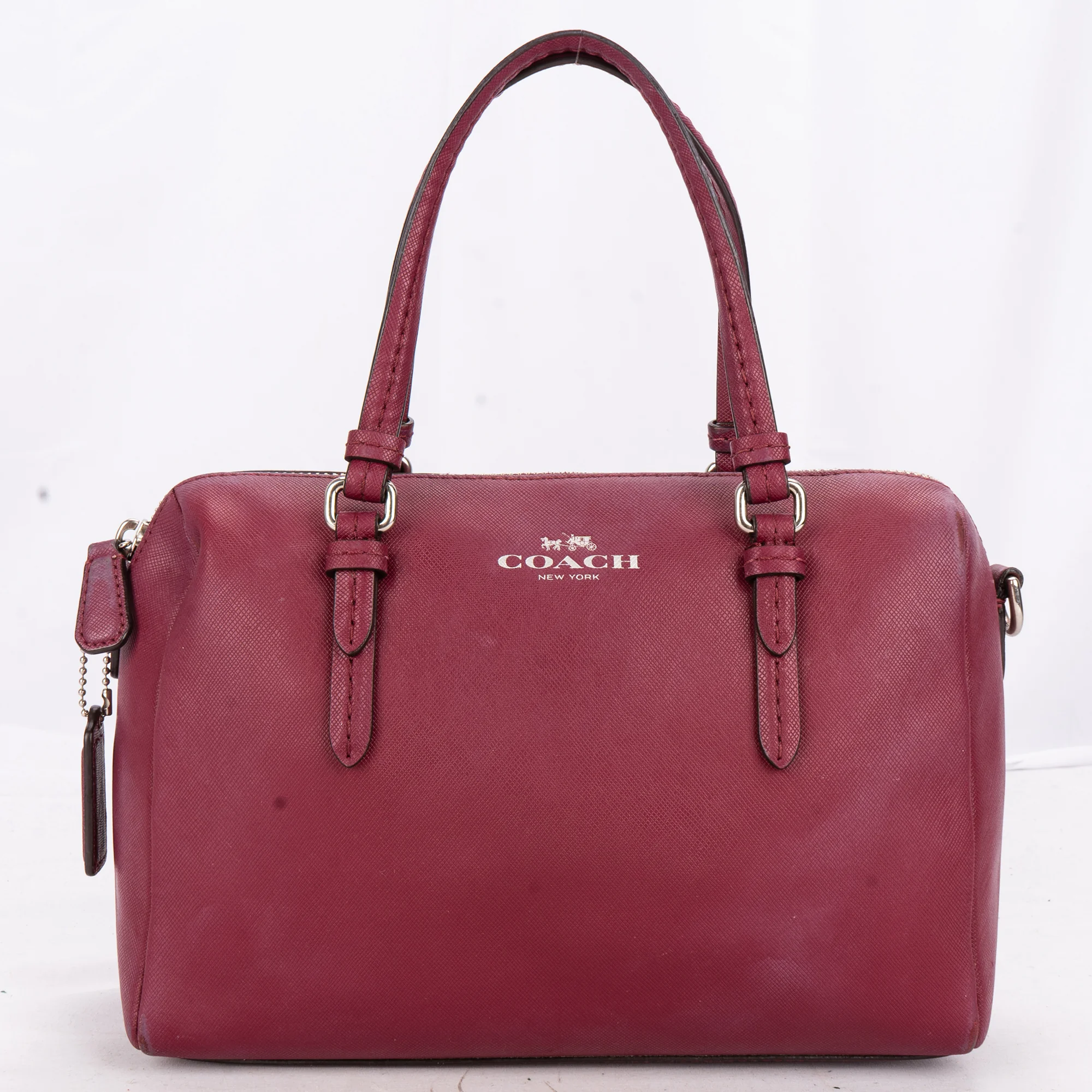 Before: Original photoAfter: Clean product image
← Drag the divider to compare the original and edited image. Arrow keys work when the comparison is focused.
EXAMPLE 02 / CREAM PATTERNED HANDBAG
Cream patterned handbag: before and after
Background and support-thread cleanup around pale handles and gold-tone fittings while retaining the woven pattern and fine stitching.
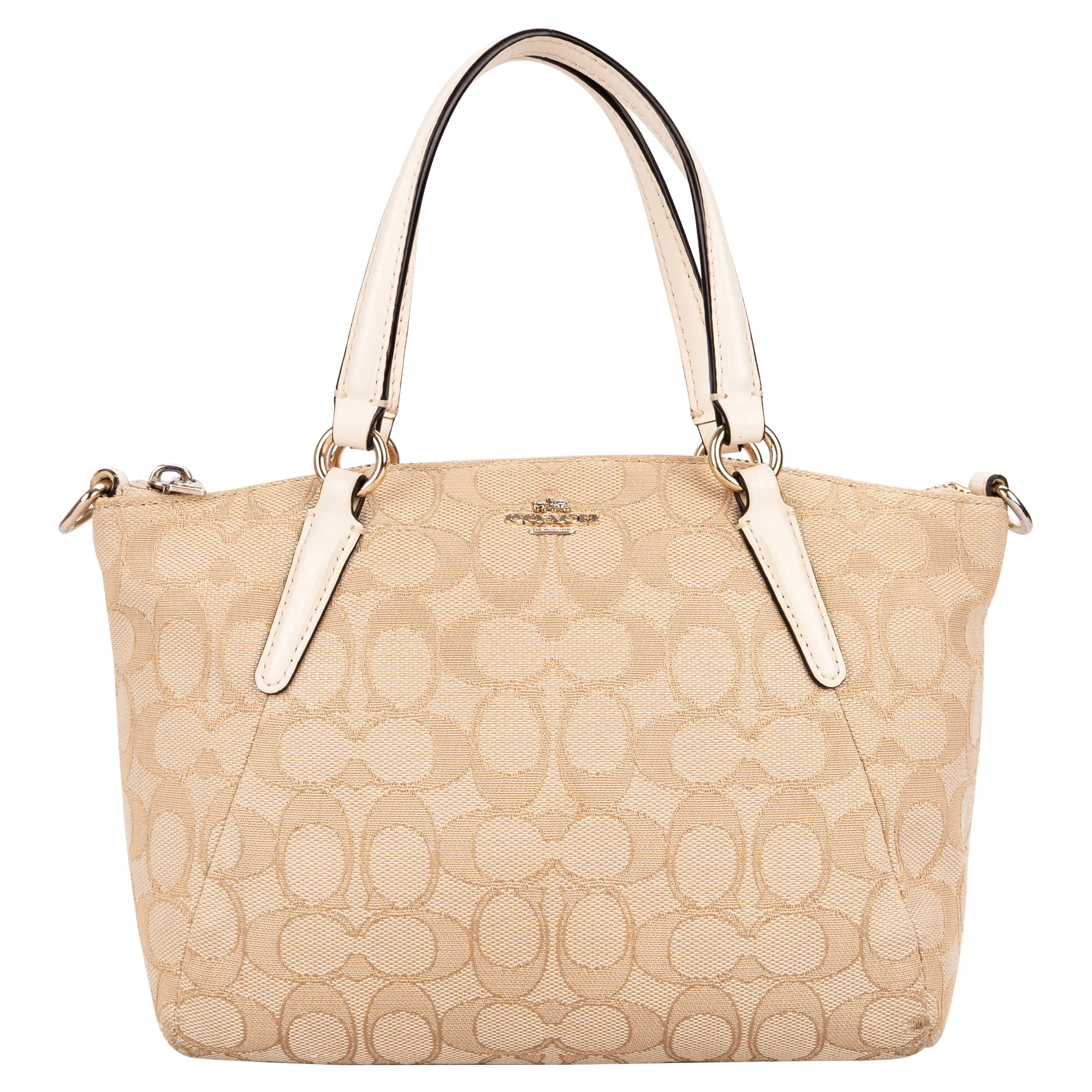
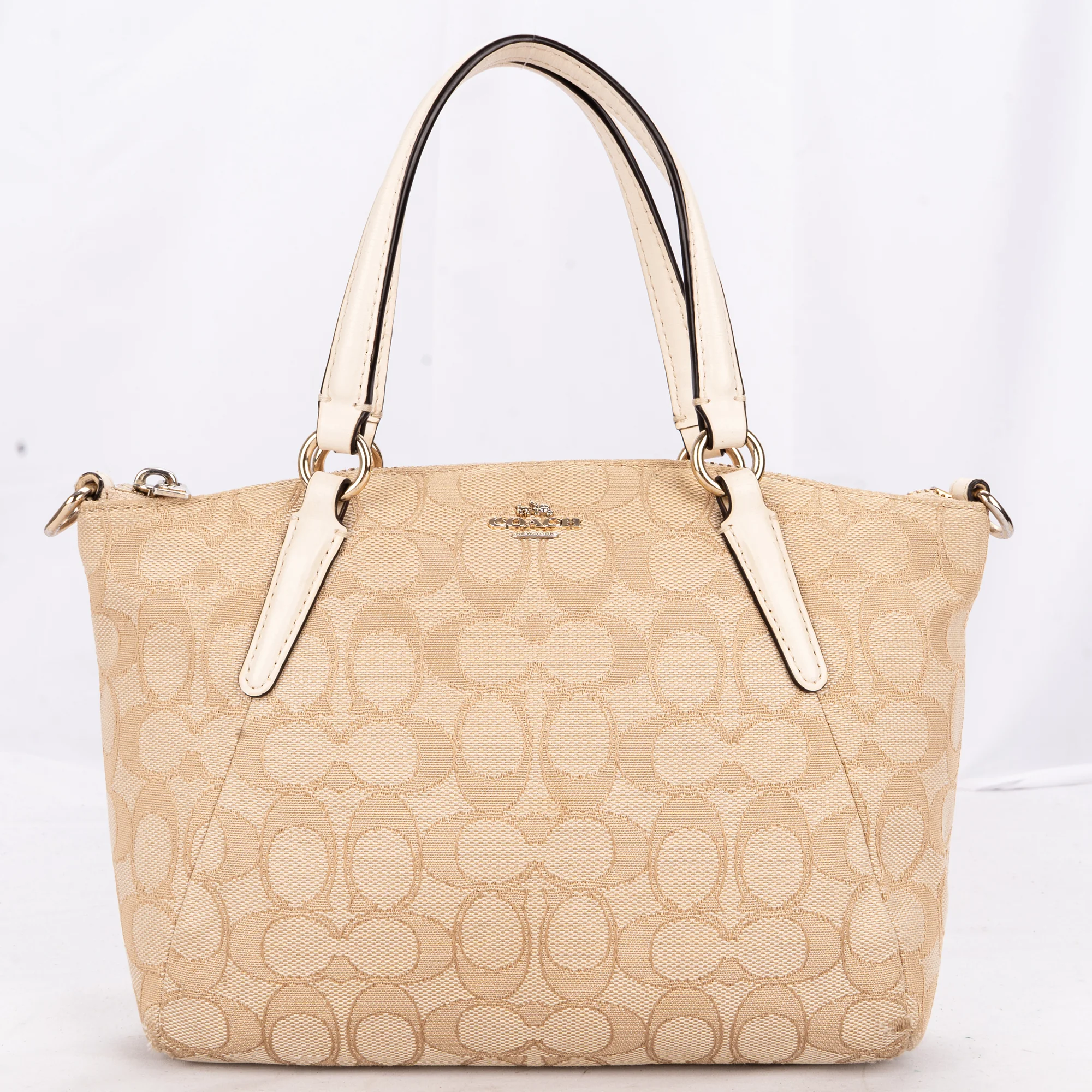 Before: Original photoAfter: Clean product image
← Drag the divider to compare the original and edited image. Arrow keys work when the comparison is focused.
EXAMPLE 03 / BROWN PATTERNED CROSSBODY BAG
Brown patterned crossbody bag: before and after
Removal of the studio backdrop around a long, narrow shoulder strap and its internal opening, with the pattern and small hardware retained.
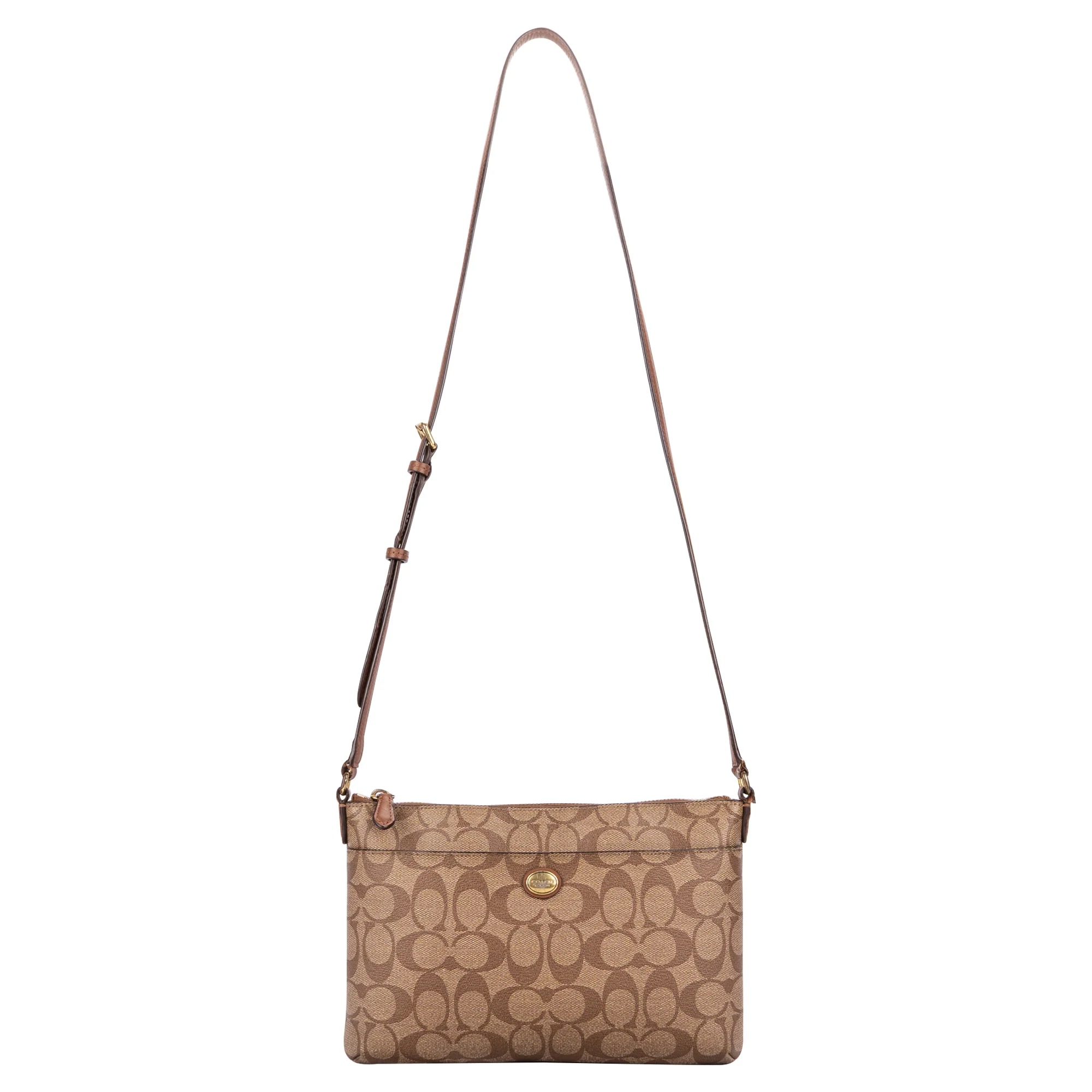
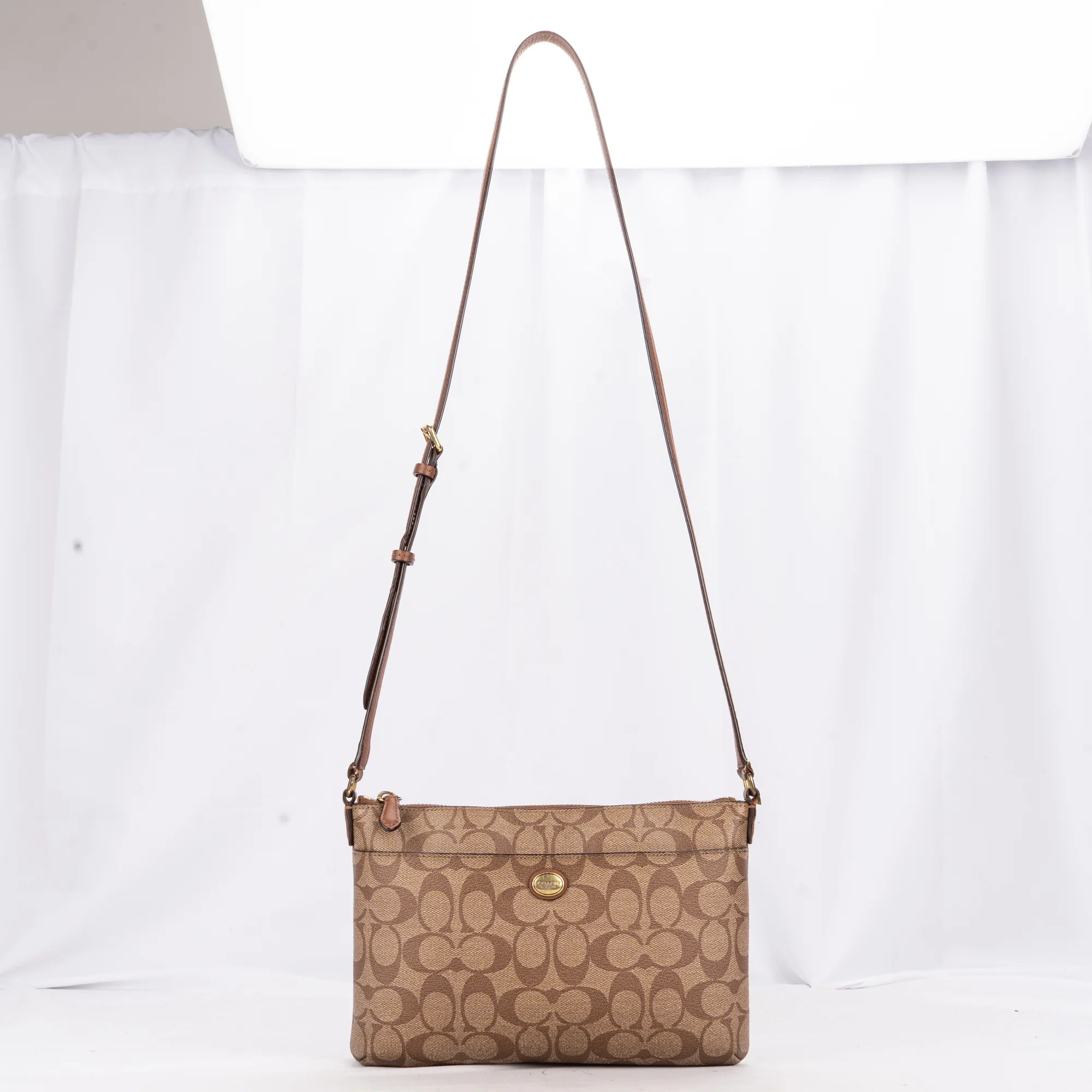 Before: Original photoAfter: Clean product image
← Drag the divider to compare the original and edited image. Arrow keys work when the comparison is focused.
EXAMPLE 04 / BROWN PATTERNED SHOULDER BAG
Brown patterned shoulder bag: before and after
Background cleanup through the handle openings and around the curved bag outline, preserving the fabric pattern, leather trim and product condition.
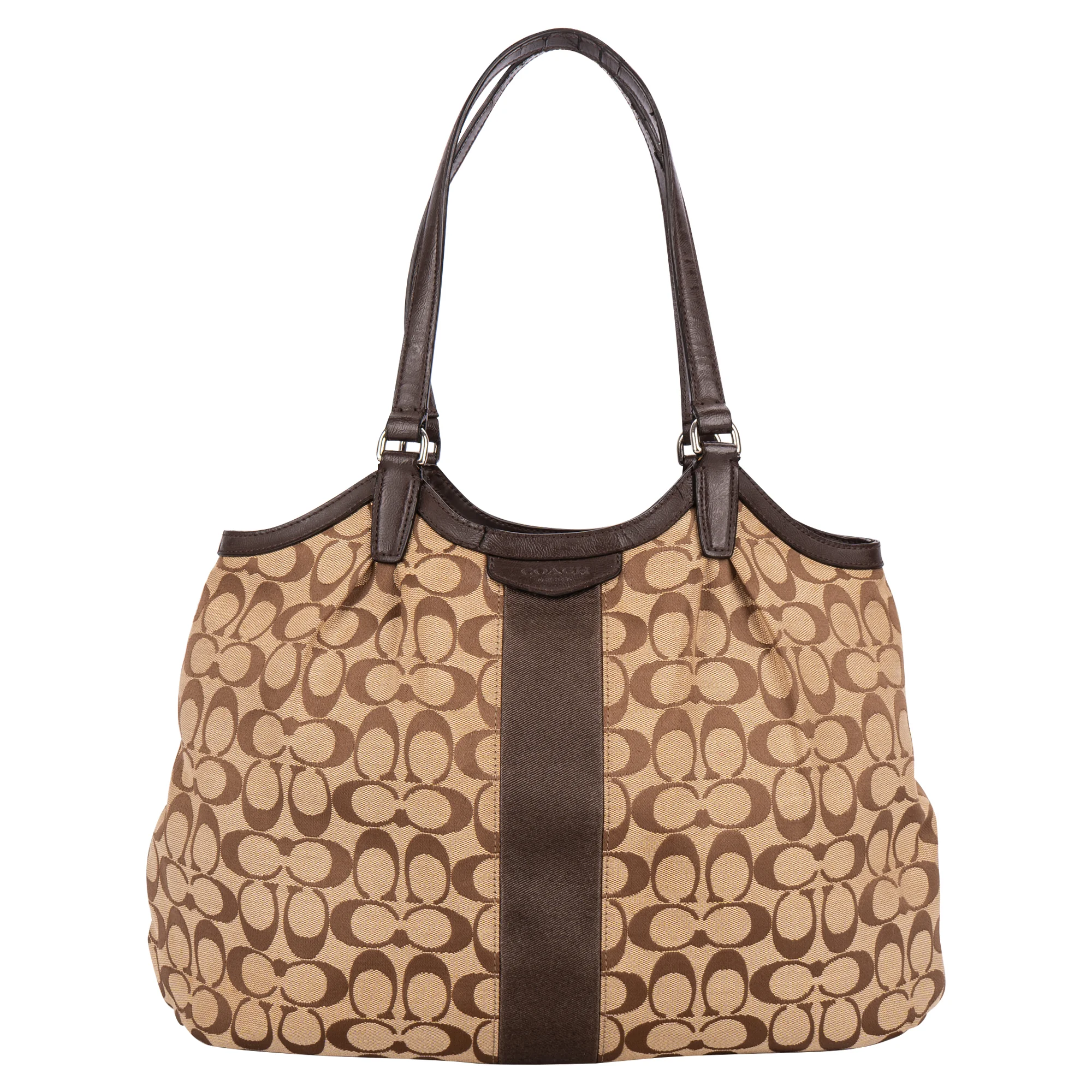
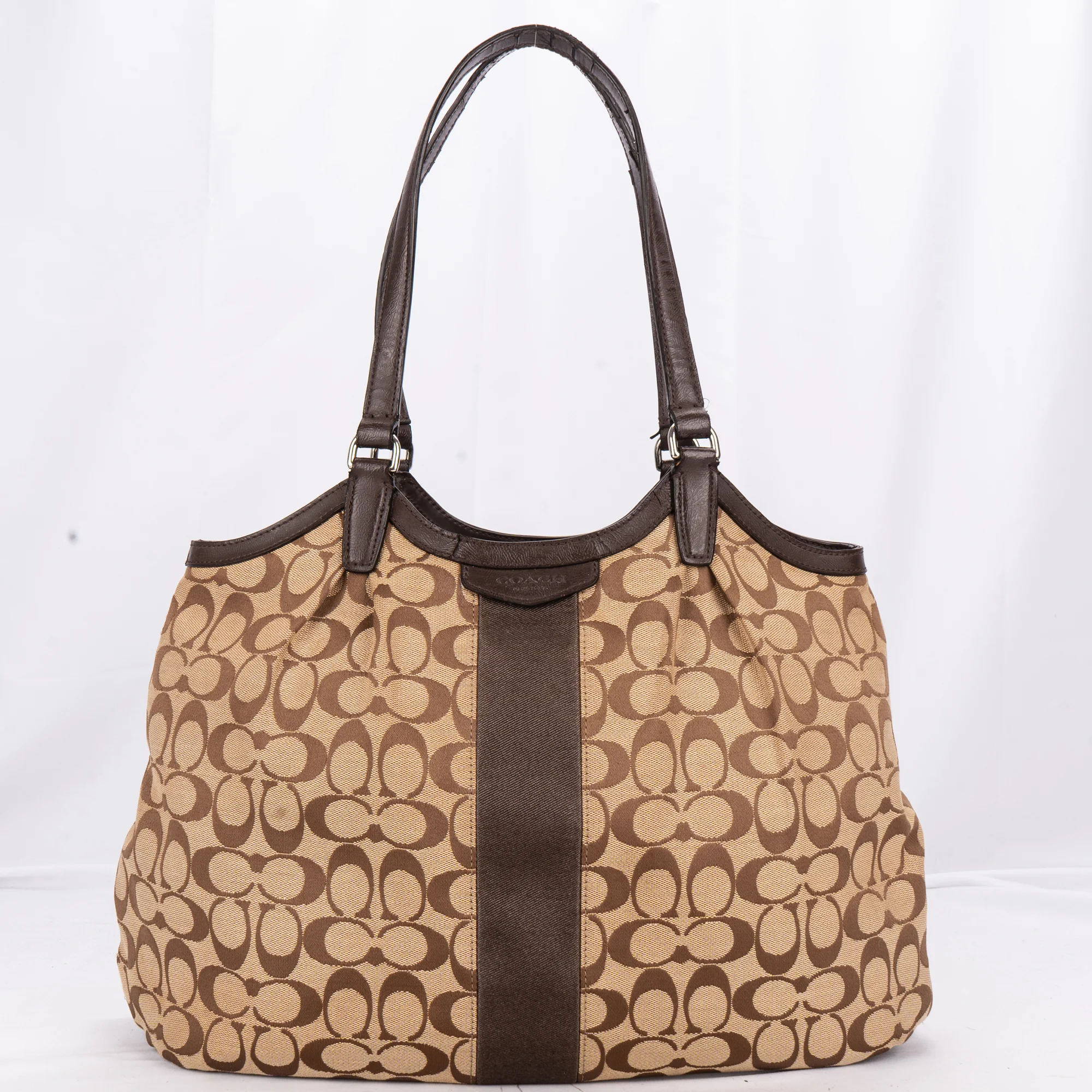 Before: Original photoAfter: Clean product image
← Drag the divider to compare the original and edited image. Arrow keys work when the comparison is focused.
The challenge: handles, fine straps and material detail
Curved handles and narrow shoulder straps require careful separation, including the open spaces inside them. Small metal rings, zip pulls and support threads add detail around the product outline.
The edited images remove the surrounding studio backdrop while retaining the bags’ patterns, leather grain, stitching and hardware. The aim is a clean catalogue presentation that preserves the product’s visible character.
Manual editing and delivery workflow
Manual clipping defines the product outline and internal openings around handles, straps and fittings. Dust, visible support threads and unwanted surrounding elements are cleaned up.
Each image is prepared on the agreed 2000 × 2000 px canvas, with the product centred and the original natural shadow retained where visible. The finished files are exported as PSD and PNG.
Two years of repeat projects
The collaboration covered 77 projects over two years, with an approximate combined image scope of 55,421. The four before-and-after pairs illustrate the editing approach used for the bag catalogue.
These website comparisons use optimized WebP previews. PSD and PNG are the client delivery formats.
Need clean, consistent bag catalogue images?
Send representative photographs, your image quantity, canvas size, shadow requirements and preferred file formats so we can review the production scope.
Discuss your product images →